

The best indoor security cameras for elderly parents are the ones that answer a single question fast: is she up, is she moving around, does she need me. These are plug-in home cameras with two-way audio, person detection, and night vision that stream to your phone over your parent’s Wi-Fi. They are not burglar alarms, and they are not medical devices. Most families use them to replace the anxious unanswered phone call with a ten-second glance at the living room.
One rule comes before everything else in this guide. Tell your parent you are installing a camera, agree on which rooms are off limits, and give them a switch they can reach. In a thread on r/SecurityCamera, one son described looking for about three indoor cameras to check on his mother, with her consent, because of her mobility and health issues. That framing is the difference between a camera that helps and one that damages trust. Caregivers discussing the same problem on agingcare.com raise the identical point: a parent who feels watched stops cooperating, and a camera you cannot point at a specific thing is not worth installing.
We compared ten indoor cameras on the criteria that actually matter for elder care rather than for burglary: how clearly you can hear and speak to your parent, whether one unit can cover a whole room, whether the camera keeps working without a monthly plan, whether your parent can turn it off, and whether the app is simple enough that you can troubleshoot it from two states away. We updated this list for 2026. If you want the wider picture on hardware, our guide to the best wireless security cameras covers the outdoor and whole-home side, while the 4K security camera buying guide goes deeper on resolution trade-offs.
Top 3 Picks for Best Indoor Security Cameras for Elderly Parents in 2026

Ring Indoor Cam (newest model)
- 1080p HD with color night vision
- Manual privacy cover for camera and mic
- Advanced Pre-Roll captures seconds before motion


Our first choice is the Ring Indoor Cam because it pairs the highest rating in this group with a physical privacy cover your parent can turn themselves, which is the single most important dignity feature in this list. The Tapo C201 is the better answer if you want one unit to sweep a whole room with two-way talk and no monthly plan attached. The Wyze Cam Pan v3 wins the after-dark hours, where color night vision makes a dim hallway readable instead of a grey smear.
Best Indoor Security Cameras for Elderly Parents in October
| Product | Specs | Action |
|---|---|---|
| Ring Indoor Cam (newest model) |
|
Check Latest Price |
| Tapo C201 Pan/Tilt |
|
Check Latest Price |
 Kasa EC71 Kasa EC71 |
|
Check Latest Price |
| Wyze Cam Pan v3 |
|
Check Latest Price |
 Tapo C100 Tapo C100 |
|
Check Latest Price |
 eufy Indoor Cam E220 eufy Indoor Cam E220 |
|
Check Latest Price |
 Blink Mini Pan-Tilt Blink Mini Pan-Tilt |
|
Check Latest Price |
 aosu 2K Indoor Camera aosu 2K Indoor Camera |
|
Check Latest Price |
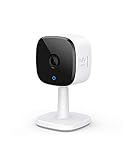 eufy Indoor Cam C120 eufy Indoor Cam C120 |
|
Check Latest Price |
 eufy Indoor Cam E30 eufy Indoor Cam E30 |
|
Check Latest Price |
One clarification before the individual reviews. Nine of these ten cameras have some path to recording without a subscription, either through a microSD card or a local hub. The exception is the Ring Indoor Cam, where playback history, AI alerts, and event search sit behind Ring Protect. That is not disqualifying for elder care, because live view and two-way talk work without a plan, but it is a real difference in what you get after month three.
Can You Put a Camera in Your Elderly Parent’s Home?
Yes, you can put a camera in your elderly parent’s home, and you should tell them you are doing it. In the United States, recording video inside a private home where everyone present has consented is generally straightforward. The complication is audio. A dozen states, including California, Florida, Illinois, Maryland, Massachusetts, Montana, New Hampshire, Pennsylvania, Oregon, and Washington, require all parties to consent before a conversation is recorded, which is why a camera’s built-in microphone is the feature to think hardest about. A shared bathroom wall or an open bedroom is where a well-intentioned camera turns into a legal and personal problem. Keep it in the living room, hallway, or kitchen. Do not put it in a bedroom or bathroom, and if you need to mute the microphone permanently, buy a camera with a physical cover for both lens and mic.
Consent is not paperwork, it is a conversation with a real answer. Tell your parent what the camera is for, which rooms it covers, who can see the feed, and how long you plan to keep it. Then give them something physical: a cover they can rotate, a plug they can pull, or a switch on the wall. Parents who have agreed to being checked on usually ask for exactly that control afterward, and cameras with a manual privacy cover make the request easy to grant.
If your parent has dementia or a tendency to wander, talk to their care team before installing anything, because consent capacity changes and the decision may need to be shared with a legal representative. If you want to check in while travelling, add a family member as a separate authorized user rather than sharing one login, so you each keep your own view and your own alerts.
1. Ring Indoor Cam (newest model) – Best Overall With a Privacy Cover Parents Can Use
Ring Indoor Cam (newest model) — Home or business security in 1080p HD video, White
1080p HD
Color night vision
Manual privacy cover
Advanced Pre-Roll
Adjustable motion zones
Pros
- Highest rating and review volume in this group
- 1080p HD with useful color night vision
- Physical cover that disables camera and mic together
- Pre-Roll keeps the seconds before a motion event
- Swivel mount works on a table or up high
Cons
- Playback history and AI alerts require Ring Protect
- Fixed lens cannot pan or tilt
- One camera covers only one direction
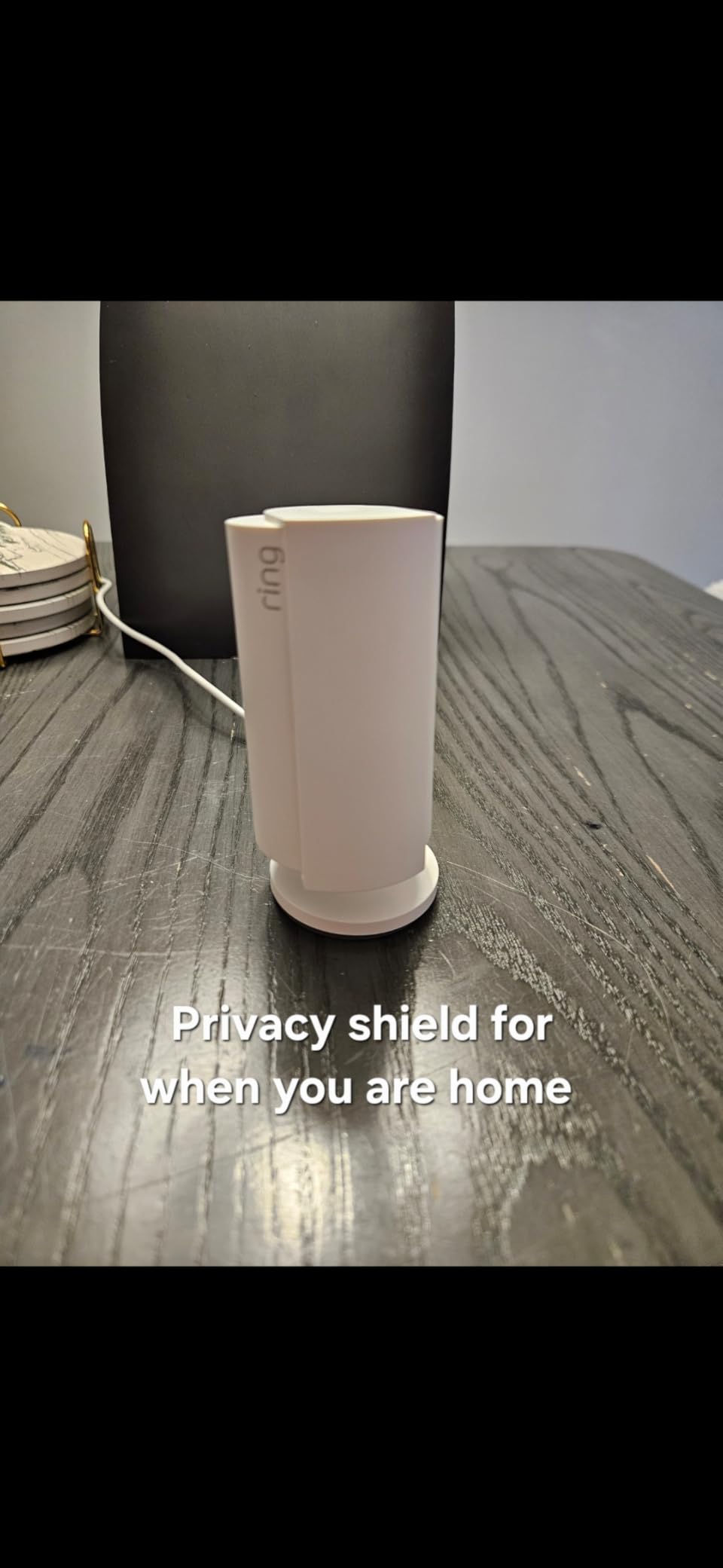
The plastic slider on the side is why this camera leads our list. Rotating it covers the lens and the microphones together, so your parent can turn the camera off without opening an app or asking you first.
Image quality is 1080p HD with color night vision, which in a normally lit living room at night is genuinely good. You can tell a person sitting on the sofa from a room sitting empty.
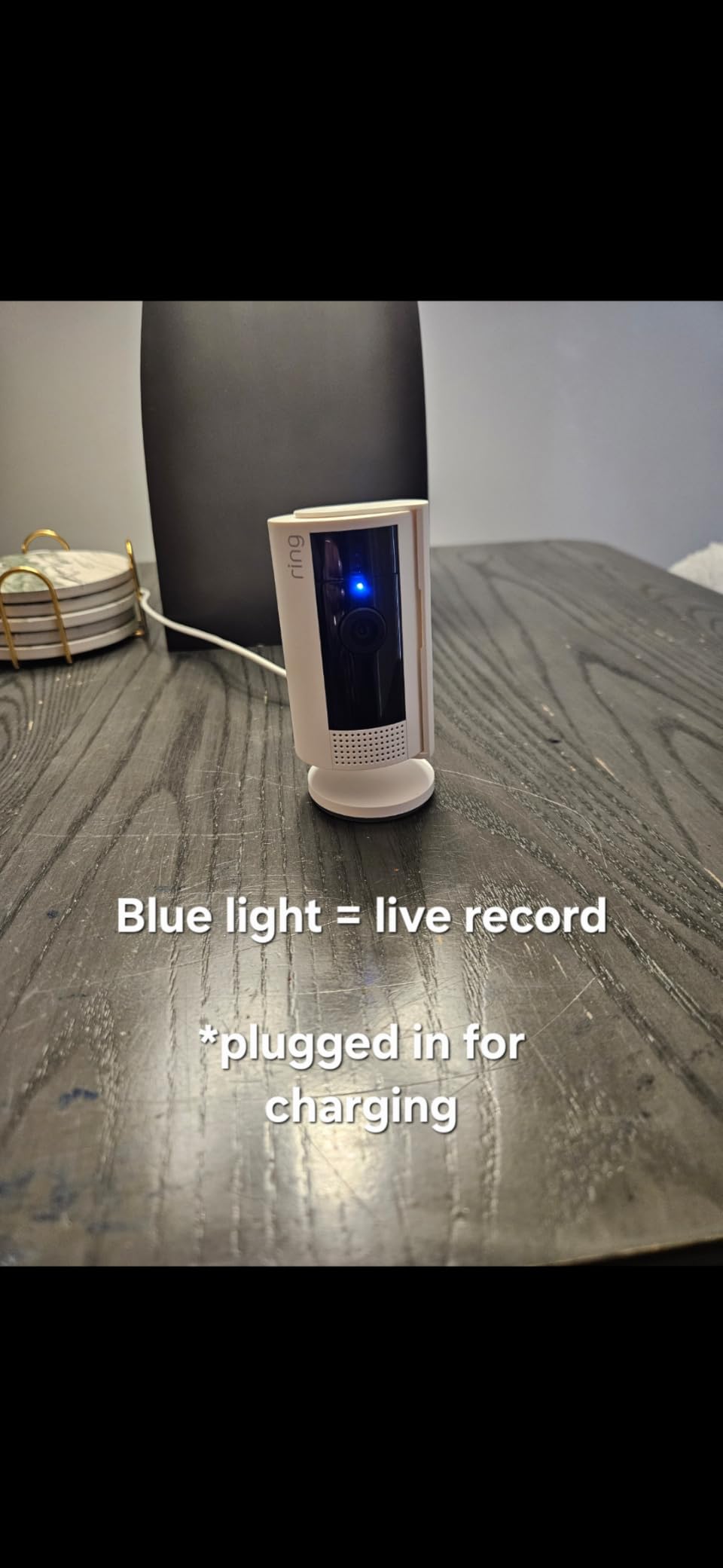
Advanced Pre-Roll buffers the seconds before motion is detected, so a parent who is mid-movement when something happens is not lost from the timeline. Adjustable motion zones let you skip a window and ignore a streetlight.
The catch is the subscription. Live view and talk are free, but scrolling back through yesterday or getting AI event summaries is Ring Protect. For a parent living alone most families end up wanting history, so plan for it rather than discovering the limit during a real concern.
When this camera fits your parent
Pick it when your parent lives in a few well-defined rooms, values having control, and your household already uses Alexa or an Echo Show, so a sibling can view the living room without opening an app.
When it is the wrong choice
Skip it if you need to follow a parent around a large room, since the fixed lens never moves, or if you want months of searchable history without a recurring charge. For a hallway or doorway where nobody moves far, the fixed view is a feature rather than a limit.
2. Tapo C201 Pan/Tilt – Best for Two-Way Check-Ins Across a Whole Room
Tapo 1080p Pan/Tilt Security Camera for Baby Monitor, Pet Camera, C201
360 degree pan and 114 degree tilt
Two-way audio
Local microSD up to 512GB
Night vision to 30 ft
Pros
- One unit covers a full 360 degrees of a room
- Free person and baby-crying alerts on the base plan
- Local microSD storage up to 512GB keeps it subscription-free
- Simple QR-style setup and an easy app
- 2.4GHz only
Cons
- microSD cards must be formatted in the app and TP-Link models are safer
- Panning and playback show frame jumps
- Two-way audio has noticeable lag
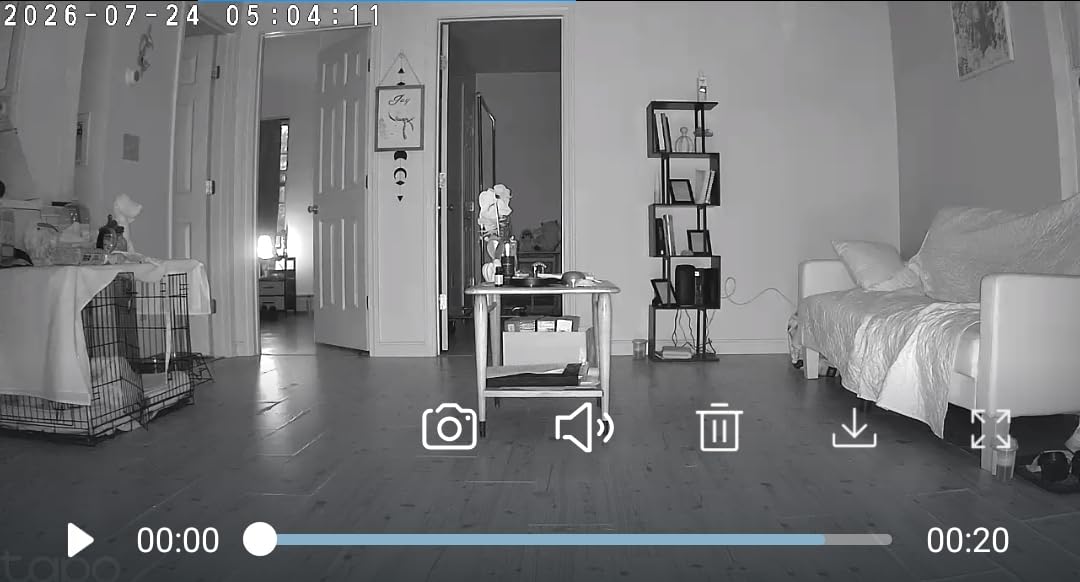
The Tapo C201 is the workhorse of this list: it does the two things elder care needs and skips the paywall on both. You get 360 degrees of horizontal pan and 114 degrees of vertical tilt from one unit, and the core detection alerts arrive without a subscription. For a parent moving between the kitchen and the armchair, that means one camera instead of three.
Two-way audio is usable for a short exchange, though several owners note a lag between phone and camera. That lag does not matter for a check-in, where the point is to hear they are fine and say goodnight.
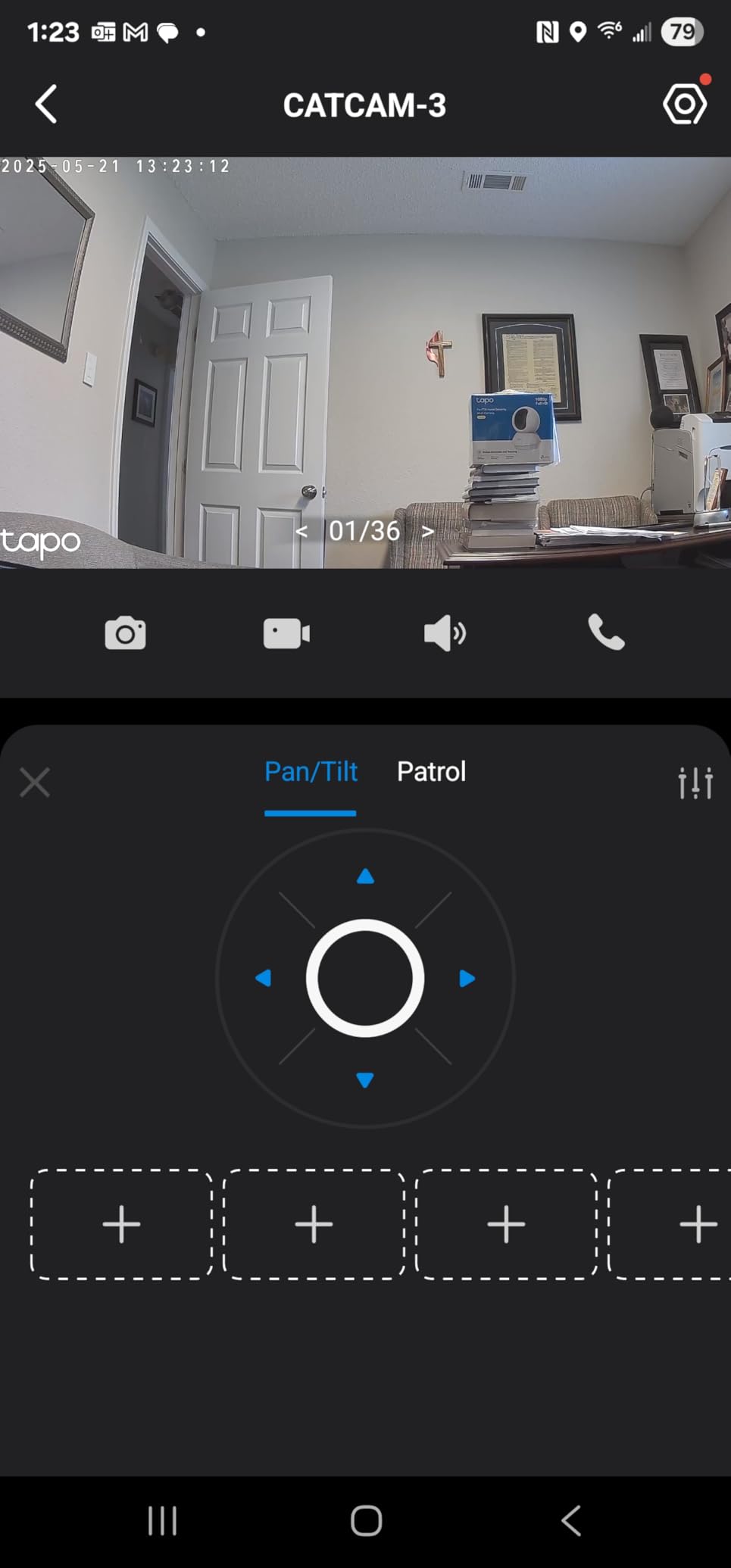
The one real friction point is the microSD card. Owners report cards being rejected until they are formatted inside the Tapo app, and the fix that works is a TP-Link-recommended model. Do the card setup before you hand the camera over, because a camera that quietly stops recording is worse than one you never had.
Motion and person detection are free on the base plan, and the 2.4GHz-only radio is worth knowing about if your parent’s router combines bands.
Who this works for
Pick the C201 if you want one camera per open room, you dislike recurring charges, and your parent is not going to interact with the camera itself. You check in, they simply live their day.
Who should skip it
Skip it if smooth motor movement matters, because reviewers describe jerky panning and frame jumps during playback. If your parent spends the day on the far side of a large open-plan space, that movement is a visible distraction rather than a safety problem, but some families find it irritating.
3. Kasa EC71 – Best for Patrol Coverage of a Whole Room
Kasa 1080p Indoor Pan/Tilt Wired Security Camera, Baby & Pet Monitor, EC71
360 degree pan and tilt
Patrol Mode
Motion tracking
256GB microSD
30 ft night vision
Pros
- Patrol Mode sweeps the room on a schedule
- 360 degree coverage from one unit
- Two-way audio and baby cry detection
- Local microSD keeps basic use subscription-free
- Two year manufacturer warranty
Cons
- Cloud storage and snapshot notifications require Kasa Care
- Some detection features stay behind the subscription
- 15fps frame rate is modest
The Kasa EC71 is the one camera here with Patrol Mode, and for elder care that matters more than we expected. You schedule the camera to sweep the room on a repeating route, so a parent who is not moving still gets checked visually without anyone holding a phone.
Coverage is 360 degrees horizontal and 113 degrees vertical, with motion tracking that follows a person or pet through the room, plus two-way audio and free baby crying detection.
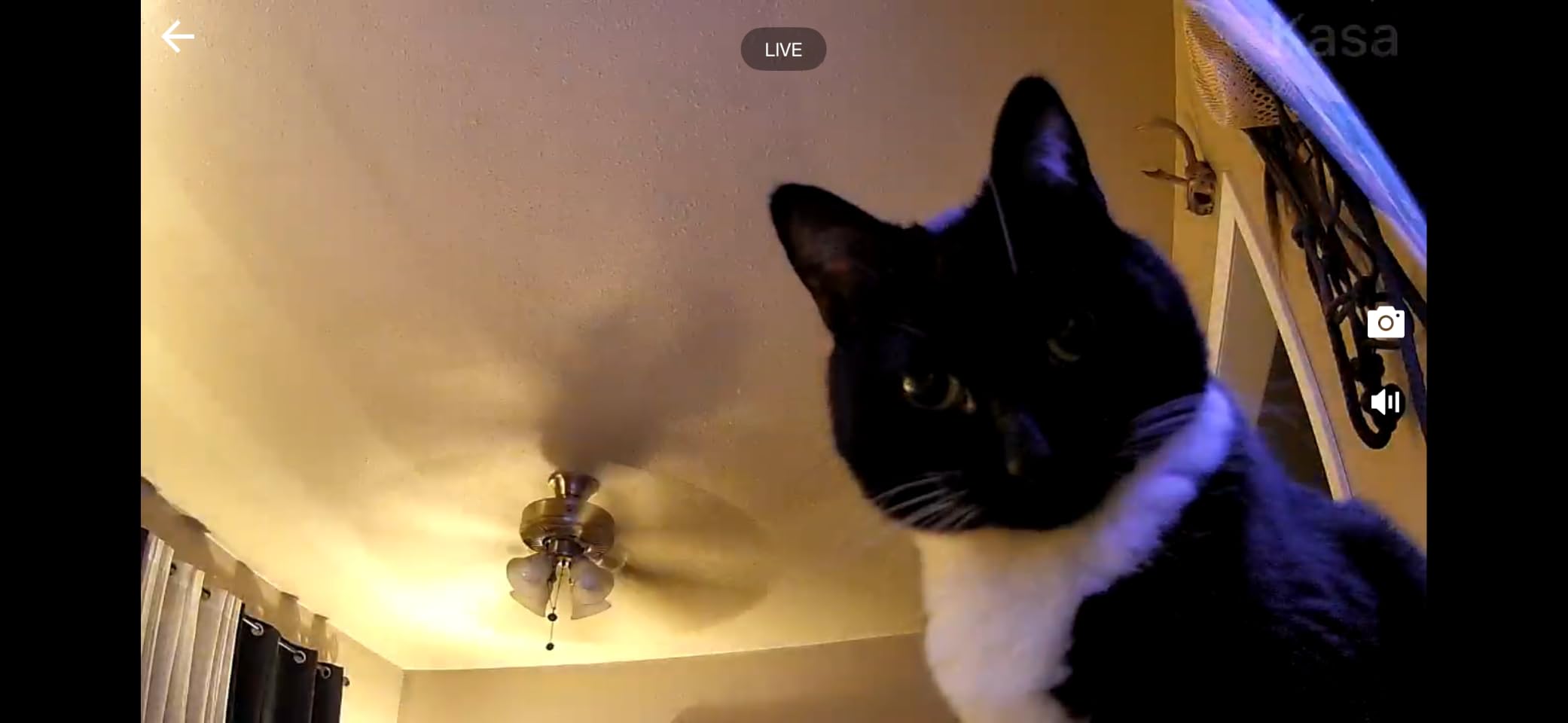
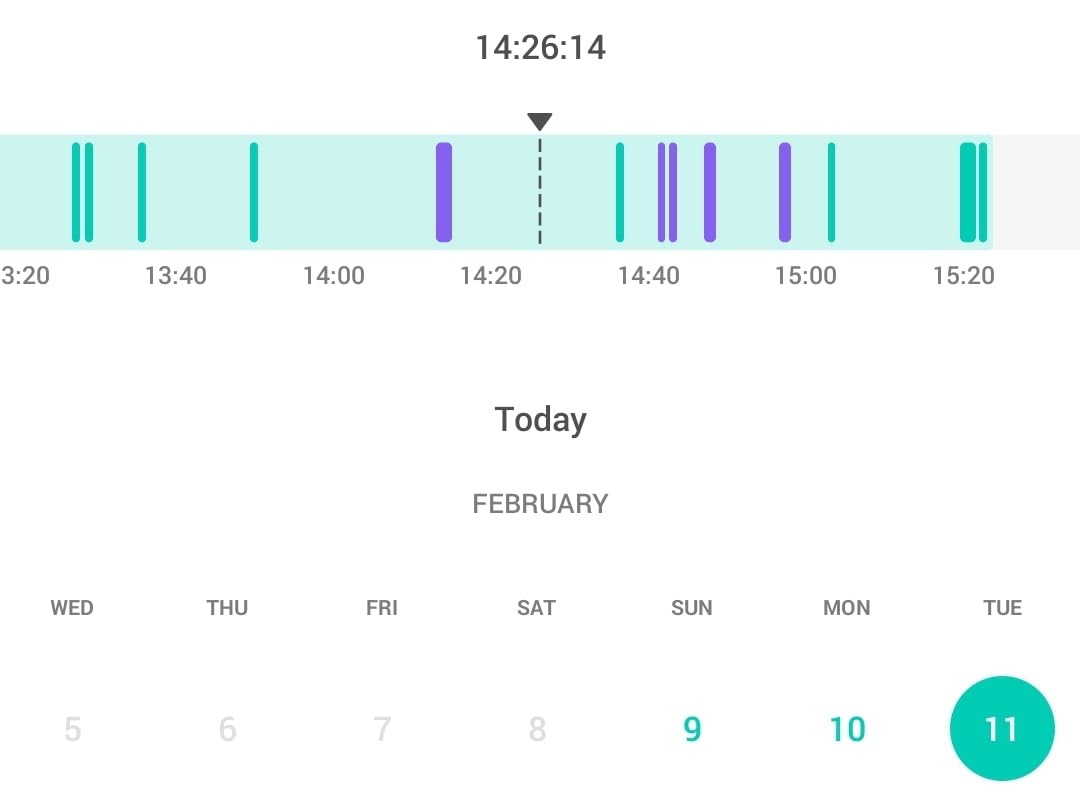
Storage runs two ways. A microSD card up to 256GB keeps the core camera working with no plan at all, while Kasa Care adds cloud history, video summaries, and snapshot notifications.
The honest limitation is the 15fps frame rate, visibly softer than newer models when movement happens. For a static room where the question is whether someone is upright, it is a non-issue. For following someone crossing the frame quickly, you will notice.
The case for this camera
Choose the EC71 when the room is large and your parent moves between zones, because patrol sweeps mean you are not re-aiming a fixed lens every few days. The two year warranty also makes it an easier thing to install in a home you do not own.
The case against it
Pass if you want the cleanest image in a group that leans toward 2K, and pass if you refuse subscriptions but also want snapshot alerts, since some detection features stay tied to Kasa Care even when you record locally.
4. Wyze Cam Pan v3 – Best for Color Night Vision
WYZE Cam Pan v3, Indoor/Outdoor Security Camera with 360° Pan/Tilt/Zoom
Color night vision
360 degree pan and tilt
8x digital zoom
Local microSD up to 512GB
Pros
- Color night vision instead of grey infrared
- Local microSD keeps core use subscription-free
- Bluetooth pairing makes setup quick
- IP65 rated so it can move outdoors
- Custom motion zones and instant privacy mode
Cons
- 2.4GHz only
- needs an extender on band-combined routers
- AI mislabels objects and video blurs during pans
- Waypoints drift and most features need Cam Plus
Color night vision is the reason this camera is on the list. Most indoor cameras switch to black-and-white infrared after dark, which flattens a living room into grey. The Wyze Cam Pan v3 keeps colour in low light, so at 11pm you can tell your parent is reading on the sofa rather than only that the sofa is occupied.
Coverage is 360 degrees of pan and tilt with 8x digital zoom, AI motion tracking follows people and pets, and Bluetooth handles pairing so setup is quick. Local microSD storage up to 512GB keeps recording off the subscription path.
Reviews are sharply divided on the software, and you should hear the criticism first. Owners report the AI mistaking one object for another, video blurring while the camera pans with the motor audible, and pan waypoints drifting out of position after weeks so the sweep no longer covers the same area.
It is also 2.4GHz only, so on a band-combined router you will need a dedicated extender, and most useful extras sit behind per-camera Cam Plus plans.
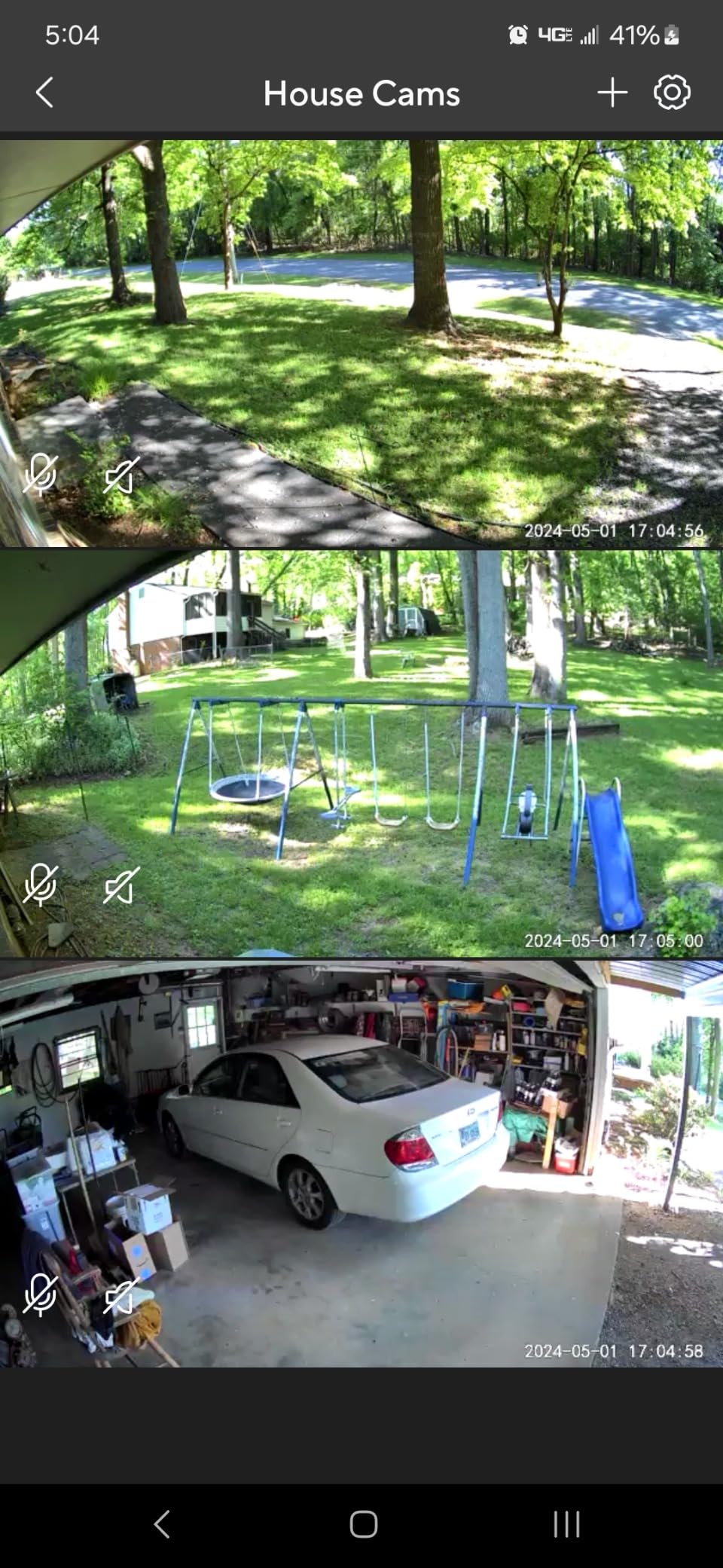
Where this camera earns its place
It fits homes where the worry is the quiet evening and the hallway after lights out, since colour detail after dark is where it separates from the field. The IP65 rating also lets you move a unit to a covered entryway later.
Where it frustrates people
Avoid it if your parent’s Wi-Fi is weak or the router is band-combined, because 2.4GHz-only support is the most common cause of the dropouts owners report. Also avoid it if a lot rides on automated detection, since misclassification produces alerts you will learn to ignore.
5. Tapo C100 – Best for a Fixed Hallway or Doorway View
Tapo 1080P Indoor Security Camera, Baby Monitor, Dog Camera, Wired, C100
1080p fixed lens
Person detection and activity zones
512GB microSD
Color night vision
Pros
- Clear 1080p picture on a phone screen
- Reliable person detection with few false alerts
- Local microSD avoids recurring cloud fees
- Very simple QR code setup
- Compact and unobtrusive enough for a hallway
Cons
- Fixed lens with no pan or tilt
- Speaker is quiet and autofocus favours far subjects
- Plug-in only and night vision fails behind glass
Not every room needs a moving head. A hallway, a front door, and the path to the kitchen are fixed scenes where a static camera is better, because the view never drifts and the notifications stay meaningful. The Tapo C100 is the most commonly installed indoor camera in this category, and for a narrow space that is exactly the right instinct.
Person detection earns its keep by filtering out lighting changes and shadows, so you are not woken by a cloud passing the window. Activity zones let you draw the doorway and ignore the rest of the room.
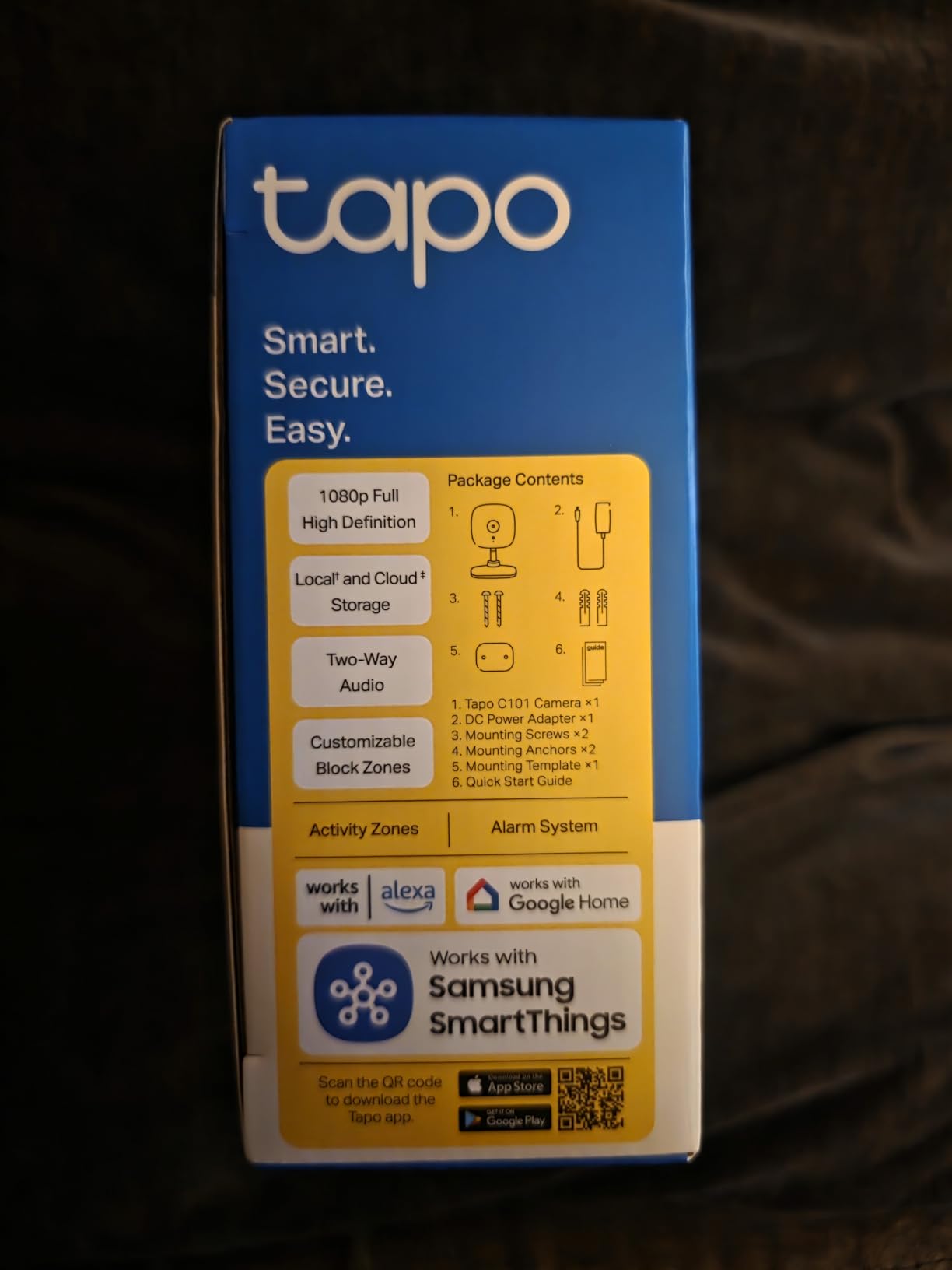
Two-way audio works, but the speaker is quiet. For a check-in where you are speaking and they are mostly listening, that is fine. Position the camera nearer to where they sit rather than across the room.
Storage is local microSD up to 512GB with no recurring charge, and the two year warranty is a plus for a device installed in someone else’s home. The design is small and unobtrusive, which matters when the person in the room did not ask for the camera.

Why fixed-view works here
A fixed camera aimed at the front door never needs re-aiming, produces fewer and better alerts, and does not move in a way that feels intrusive. For a parent uneasy about technology, a camera that silently does one job is less unsettling than one that swivels.
Where it falls short
It cannot follow anyone, and autofocus favours far subjects, so a close-up from a chair can look soft. Night vision is largely ineffective through glass, and because it is plug-in only with no battery, a power cut means no camera at all.
6. eufy Indoor Cam E220 – Best Subscription-Free 2K Pan and Tilt
eufy Security Indoor Cam E220, Dog/Pet Camera, Pan and Tilt
2K video
360 degree pan and tilt with tracking
On-device AI
No monthly fee with a microSD
Pros
- 2K clarity that holds up zoomed in
- On-device AI records only relevant events
- 360 degree pan and tilt with tracking
- No subscription needed with a microSD card
- Works with HomeKit
- Alexa and Google Assistant
Cons
- AI detection is inconsistent on stairs and long distances
- Tracking is jerky and misses events
- App can be slow when opening recordings
- microSD caps at 128GB
The eufy E220 is the middle ground we recommend most often: 2K clarity, a full 360 degrees of pan and tilt, and no monthly fee once you insert a microSD card. The on-device AI decides locally whether a person or pet is present, so routine footage stays on the card in the house rather than going to a cloud account.
Two-way audio supports a real conversation, and the 8x digital zoom means you can pull back on a detail across a room. For a parent who stays in one spot, being able to zoom without losing sharpness is a real advantage over the 1080p options.
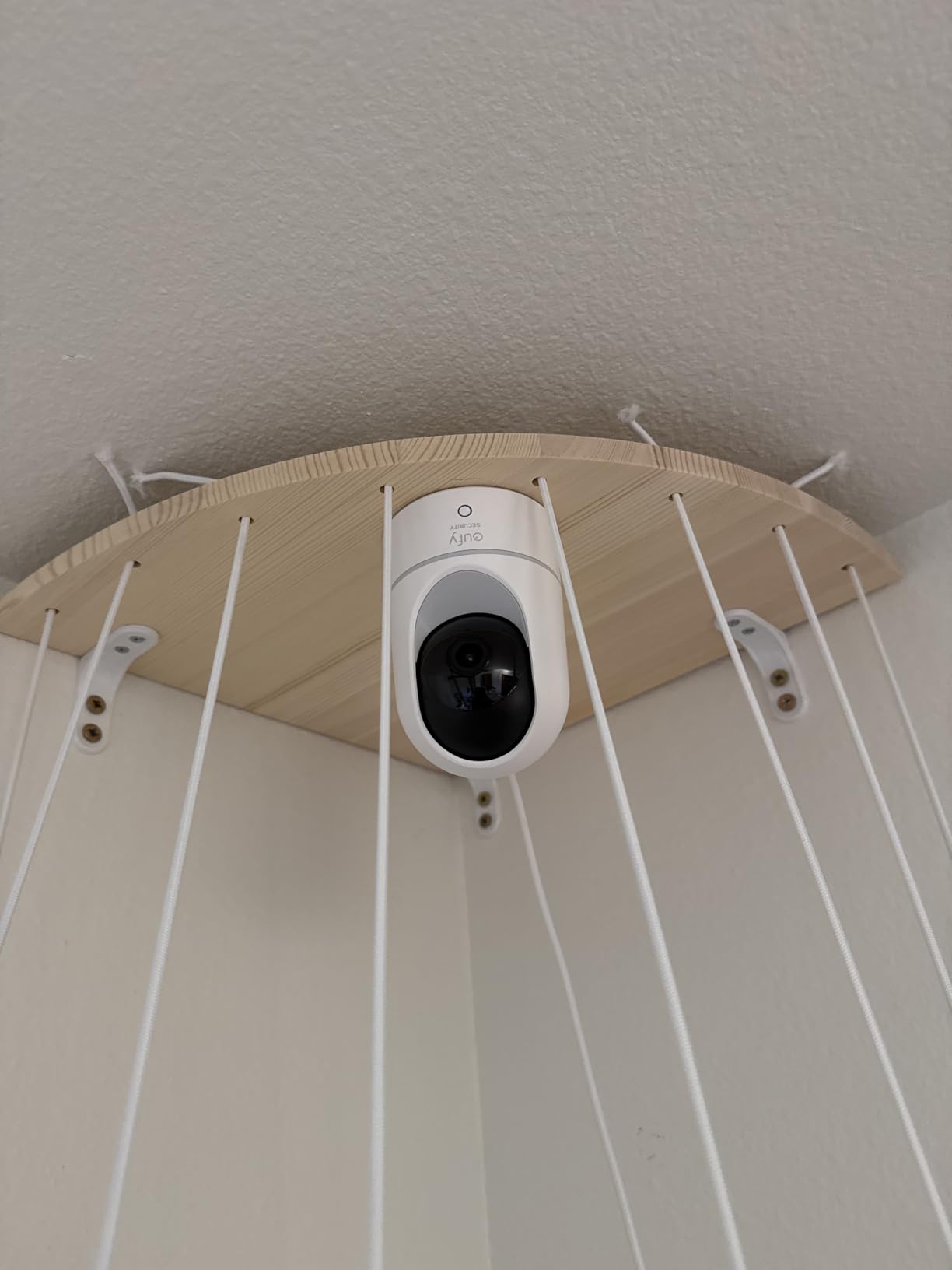
The recurring criticism is not the optics, it is the detection. Owners report the AI flagging hanging fabric as a person, and missing people on stairways or at the far end of a room. That is exactly the failure mode that matters in elder care, so set motion zones to prioritise the areas where your parent actually moves.
Also note the microSD ceiling is 128GB and the app is described as slow when opening recordings.
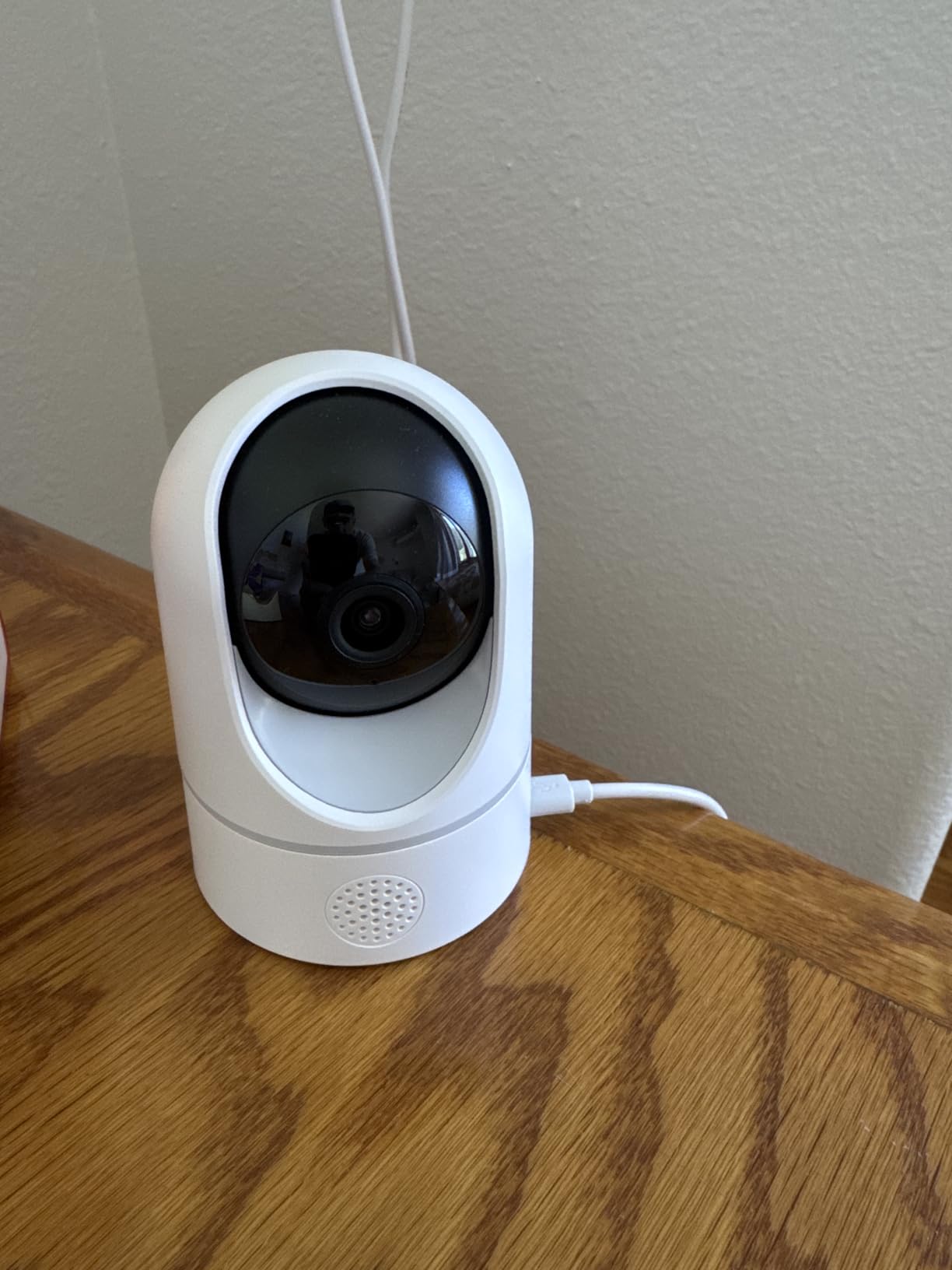
What makes this one worth it
Choose the E220 when image quality and coverage both matter and you refuse a monthly charge. It is 2.4GHz only, so confirm the router broadcasts that band, and it works with HomeBase 3 if you later want local storage with no card limit.
What to watch out for
Do not rely on automated detection for the areas that matter most, and check the app with your parent once, together, before you rely on it. If reliability of the app is your priority, the Tapo models have a smoother track record.
7. Blink Mini Pan-Tilt – Most Versatile for Full Room Coverage
Blink Mini Pan-Tilt Camera (newest model), Rotating indoor plug-in smart security camera, two-way audio, HD video, motion detection, Works with Alexa (White)
360 degree pan and tilt controlled from the app
HD 1080p day view and infrared night view
Two-way audio
Cloud clips or local via Sync Module 2
Alexa and Echo Show
Pros
- Low cost for full 360 degree coverage
- Setup takes a few minutes in the Blink app
- Dependable two-way audio
- Reported simple enough for non-technical older users
- Works with an existing Blink system
Cons
- App and live stream can be slow with visible delay
- Some units report motion detection failures and Wi-Fi dropouts
- Storage needs a Blink subscription or a separate Sync Module 2
- Older sensor than newer Mini models
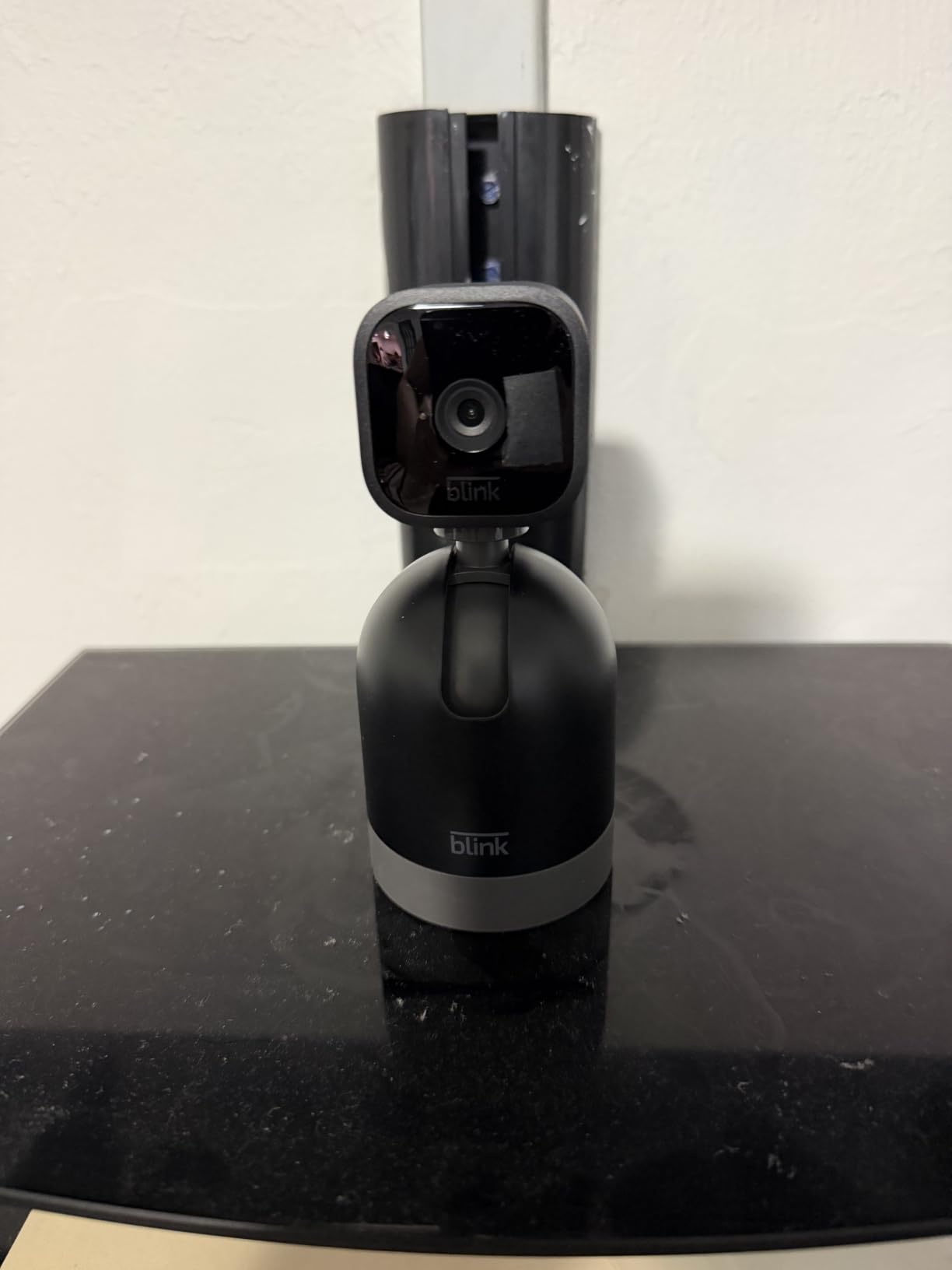
The Blink Mini Pan-Tilt is an affordable way to get full 360 degree coverage in this guide, and for a first install in a parent’s home that is a strong value. Setup takes a few minutes, which matters if you are installing it yourself on a short visit.
Two-way audio is dependable, and one owner reported that the camera was straightforward enough for a parent in their seventies to use. That is not a small claim in this category.
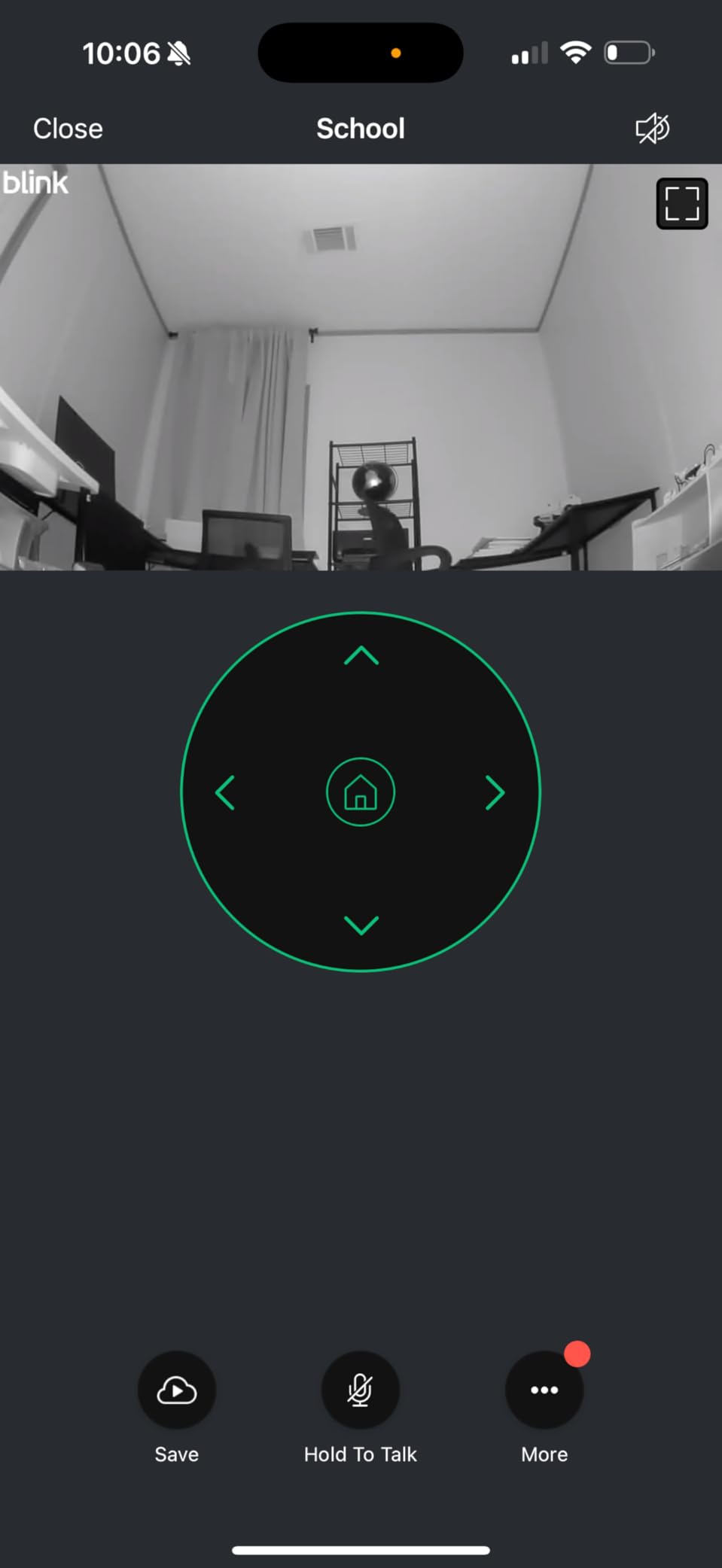
The main drawback across reviews is speed, not capability. Live view and motion alerts can lag noticeably, and a minority of units report motion detection that stops working or Wi-Fi that drops out. For a safety net, latency is more annoying than a missing feature, so test the lag on your parent’s actual Wi-Fi first.
Storage is the other decision: clips go to the cloud through a Blink plan, or you record locally by adding a separately sold Sync Module 2 and a USB drive.
Best reasons to choose it
Pick it when you need wide coverage across two or three rooms without spending much, and when the household already uses Blink devices or an Echo Show. It is a sensible trial unit, since installing one tells you whether the Wi-Fi holds up before you duplicate it.
Best reasons to skip it
Skip it if you need instant alerts, because the lag shows up most clearly when something is happening. Skip it if you want storage without any recurring cost unless you already own a Sync Module 2, and do not buy a multi-pack expecting identical reliability across units.
8. aosu 2K Indoor Camera – Best for One-Touch Calls
aosu 2K Indoor Camera,Baby Monitor for Home Security with 2.4GHz WiFi only
2K QHD at 3 MP
One-touch call button for two-way audio
360 degree horizontal rotation and 155 degree vertical tilt
Smart motion tracking
IR night vision to 33 ft
Pros
- Touch-to-talk button works as a simple intercom for a parent
- 2K clarity in daylight and IR
- 360 degree rotation and 155 degree tilt
- Local microSD with no mandatory plan
- Compact design that does not dominate a shelf
- Supports multiple household users
Cons
- Plug-in only
- needs a nearby outlet
- Night vision is weaker than the daytime image
- App occasionally crashes and needs a restart
- Large homes need a strong signal
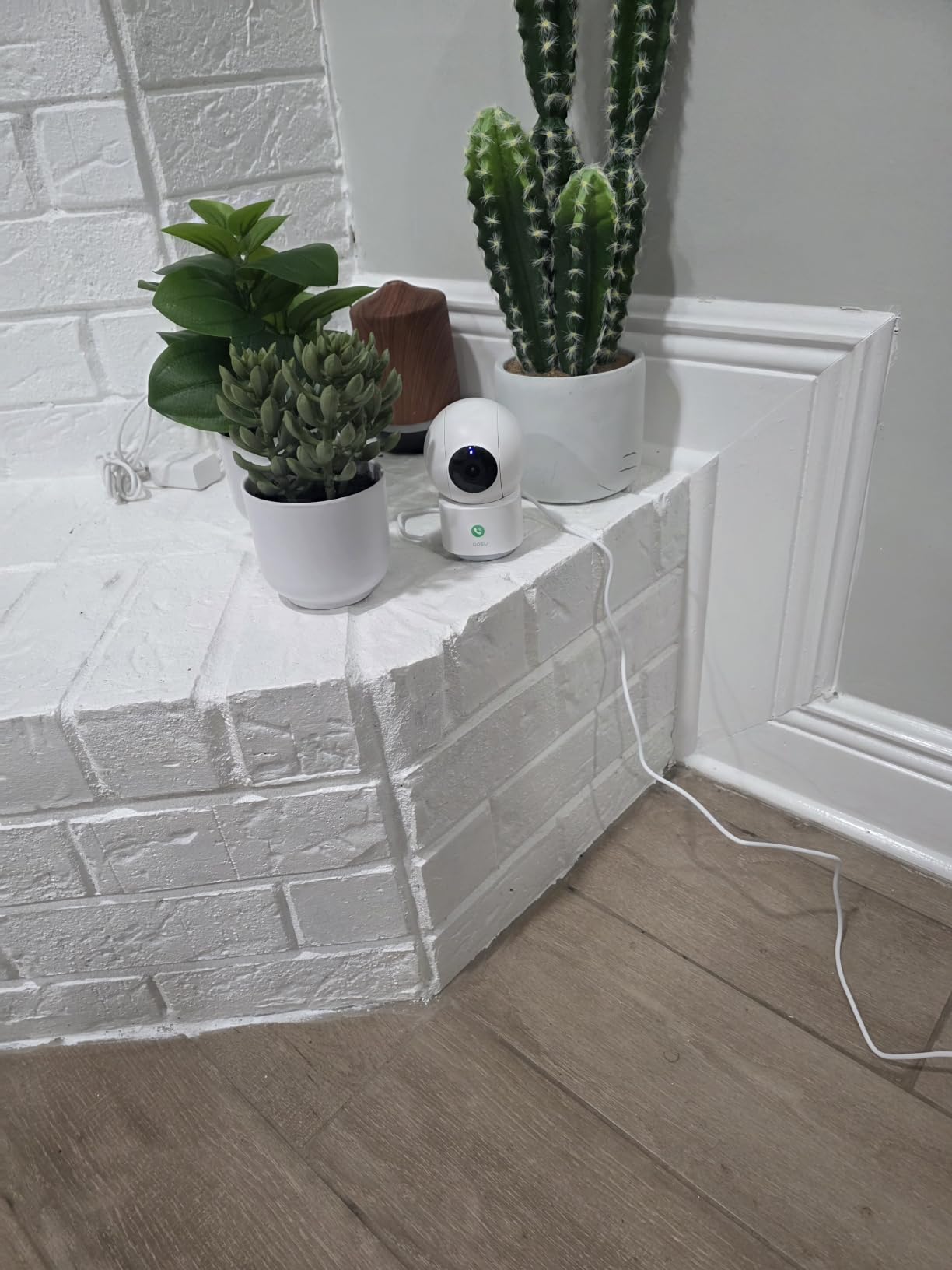
The aosu 2K is the only camera here built around a physical call button, and that changes the dynamic. Instead of you opening an app to check whether your parent is present, they press one button and you see and hear them. Reviewers describe using it with elderly parents who are not comfortable with technology, which is exactly the situation where a check-in should not require the parent to do anything.
Resolution is 2K QHD at 3 megapixels, with 360 degrees of horizontal rotation and 155 degrees of vertical tilt, so one unit covers a large room. Smart motion tracking follows the detected person, and local microSD storage keeps recording off any plan.
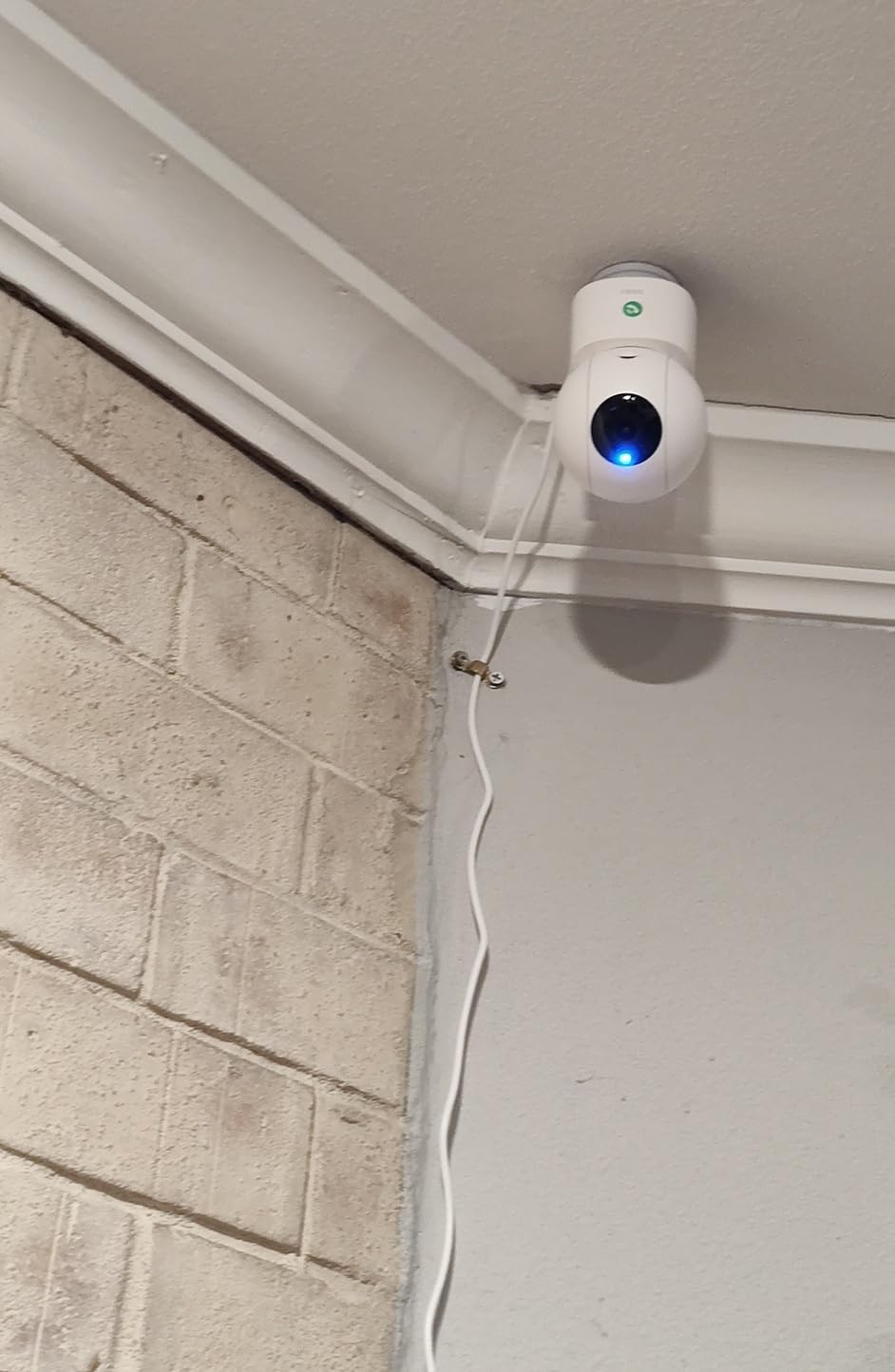
The honest weaknesses are visible in the specs. It is 2.4GHz only and plug-in powered, so it needs a nearby outlet and a solid signal, which in a large home means a mesh node or extender. The IR night vision reaches 33 feet but is noticeably weaker than the daytime image.
Some users also report the app crashing and needing a force-close, so test it thoroughly on your first visit and know how to restart it.
Why the button matters
The touch-to-talk button turns monitoring into communication. A parent who does not want to use an app can still reach you instantly, and you can speak back without asking them to do anything technical.
When it is not the answer
Pass if the care situation needs dependable night coverage, because the IR image is a step down from what the Tapo C100 and Wyze Pan deliver, and pass if there is no outlet near the position you want to cover.
9. eufy Indoor Cam C120 – Best for Apple Home Setups
eufy Security Indoor Cam C120 | Plug-in Security Camera 3 MP | 2K with Wi-Fi | IP Camera | Voice Assistant Compatibility | Night Vision | Two-Way Audio | HomeBase 3 Compatible | Audio and Motion Alert
2K at 3 MP, 1080p over HomeKit
125 degree field of view
Two-way audio
On-device AI for human and pet events
HomeKit, Alexa and Google Assistant
Pros
- 2K video that stays clear in low light
- 125 degree field of view covers a large area
- On-device AI cuts false alerts and stores events locally
- No subscription for core use
- Light and easy to mount with adhesive or a bracket
Cons
- App is slow and does not stream several cameras at once
- Cameras disconnect from Wi-Fi fairly often
- Short power cord
- Fixed lens
- 128GB microSD cap not stated clearly
The C120 is the pick if your family already lives inside the Apple ecosystem. HomeKit integration puts the camera in the Home app alongside the lights and thermostat, so a senior already comfortable with voice assistants can view it without learning anything new.
Video is 2K at 3 megapixels, dropping to 1080p over HomeKit. The 125 degree field of view is wide for a fixed bullet-form camera, and on-device AI records only relevant events, so routine footage stays on the card.
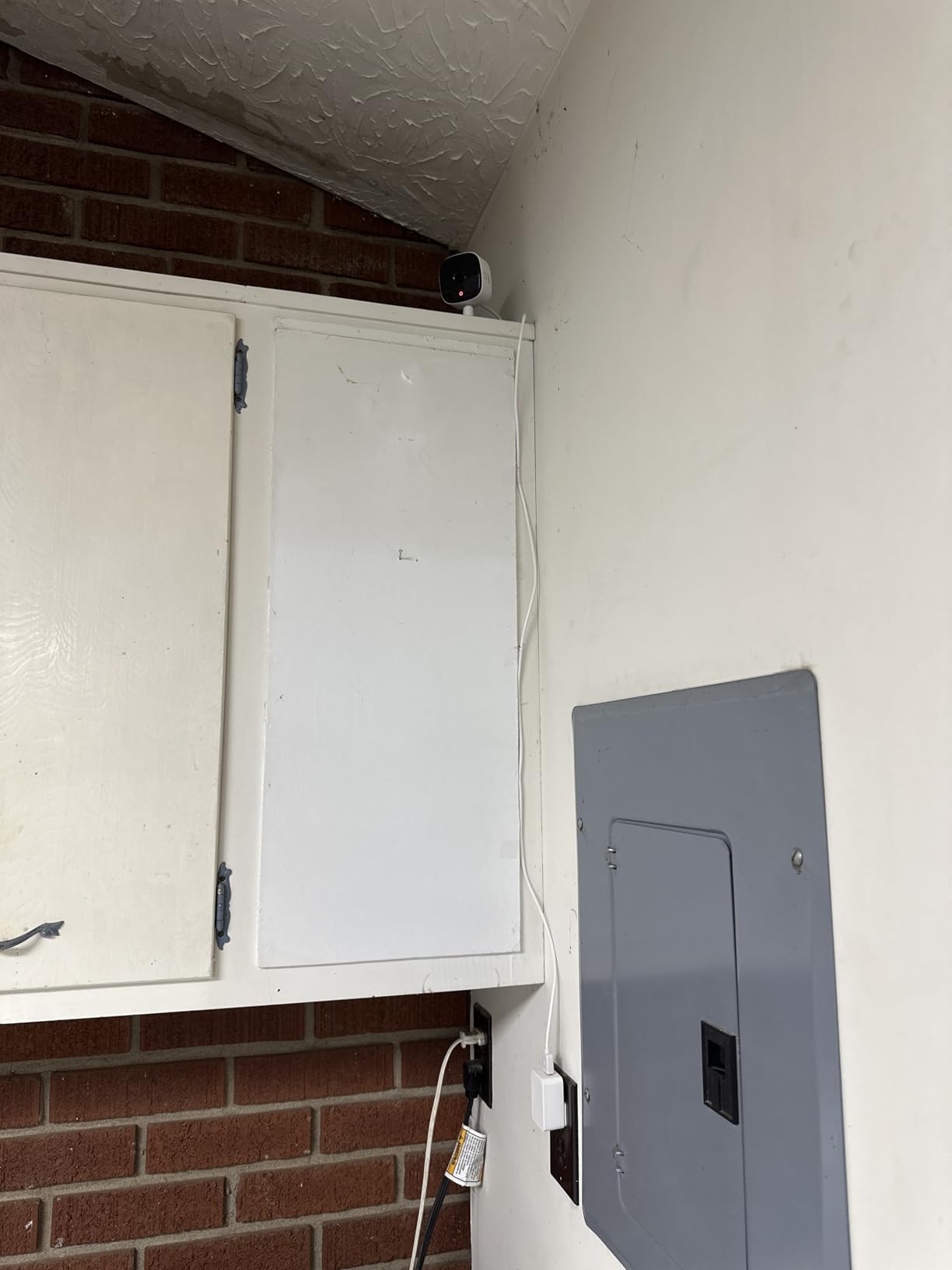
What gives us pause is the app. Owners describe it as slow to load and unable to show several streaming cameras at once, plus cameras disconnecting from Wi-Fi fairly often. In a one-camera home that is manageable; in a two-camera dashboard setup it is not.
The other constraints are physical. The power cord is short, so plan your outlet position first, and the lens does not rotate, so aim it once and accept it. Storage caps at 128GB, which the listing does not make obvious.
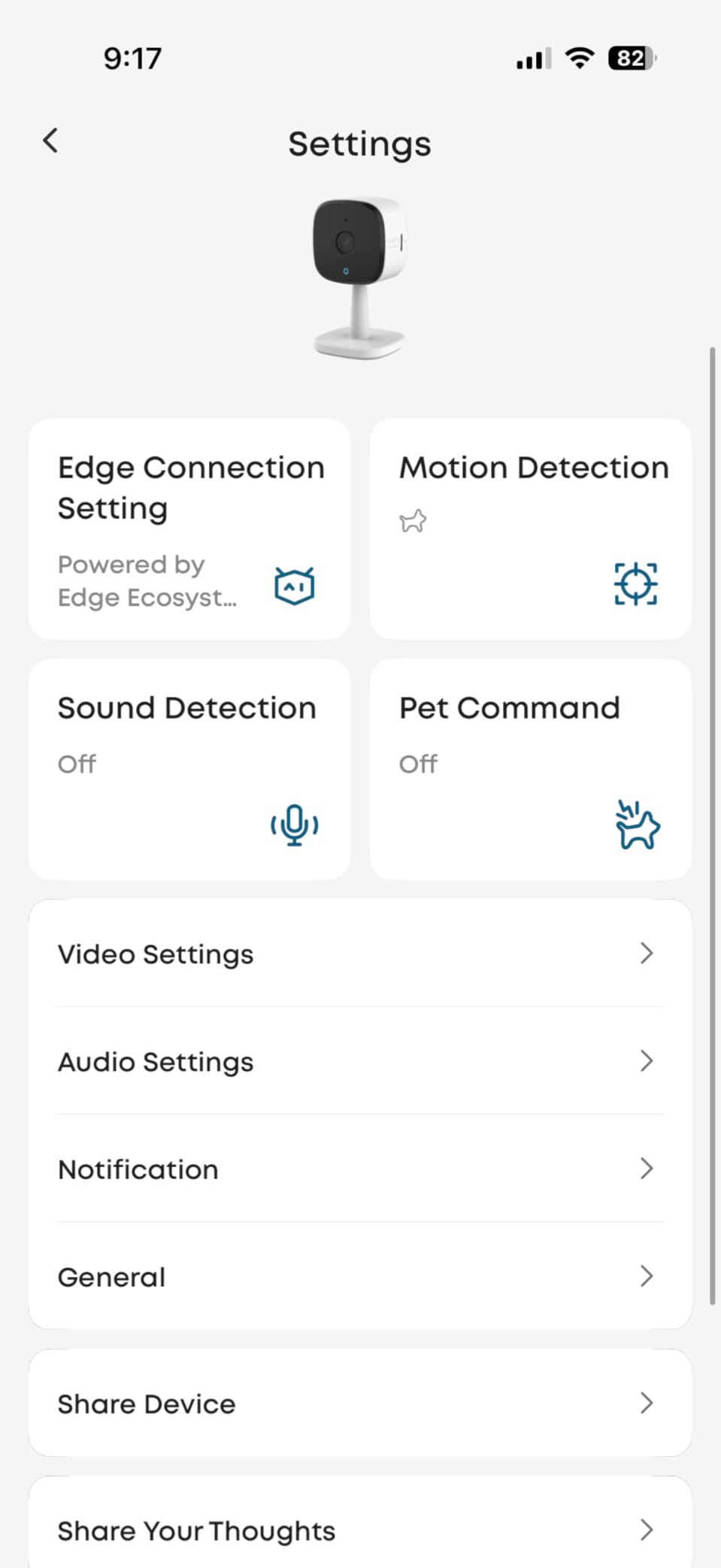
Where it fits best
Choose the C120 for a kitchen or hallway in a home where Apple Home is already the control centre. The light body and adhesive mounting make it easy to reposition during a first visit.
Where it will frustrate you
Skip it if you plan to run three or more cameras in one app view, or if your parent’s Wi-Fi is already marginal, since intermittent disconnections are the most cited complaint.
10. eufy Indoor Cam E30 – Best 4K Detail Without a Subscription
eufy Security 4K Indoor Camera E30, No Subscription, Work as Pet Camera
4K recording around the clock
360 degree panorama with Quick Focus Tap
On-device AI for humans, pets, audio and crying
Built-in spotlight with color and IR night vision
Local microSD with no monthly fees
Pros
- Sharp 4K detail that survives digital zoom
- 360 degree pan and tilt with quiet
- smooth rotation
- Captures the seconds before a motion event
- Accurate person
- sound and cry detection with smooth tracking
- Built-in spotlight gives usable color night vision
- Full feature set with no required subscription
Cons
- Local storage needs a separately purchased high-endurance card
- Detection can be over-sensitive and notify constantly
- Bulky camera head for small shelves
- HomeKit caps the stream at 1080p
- Some missed events and slow app playback
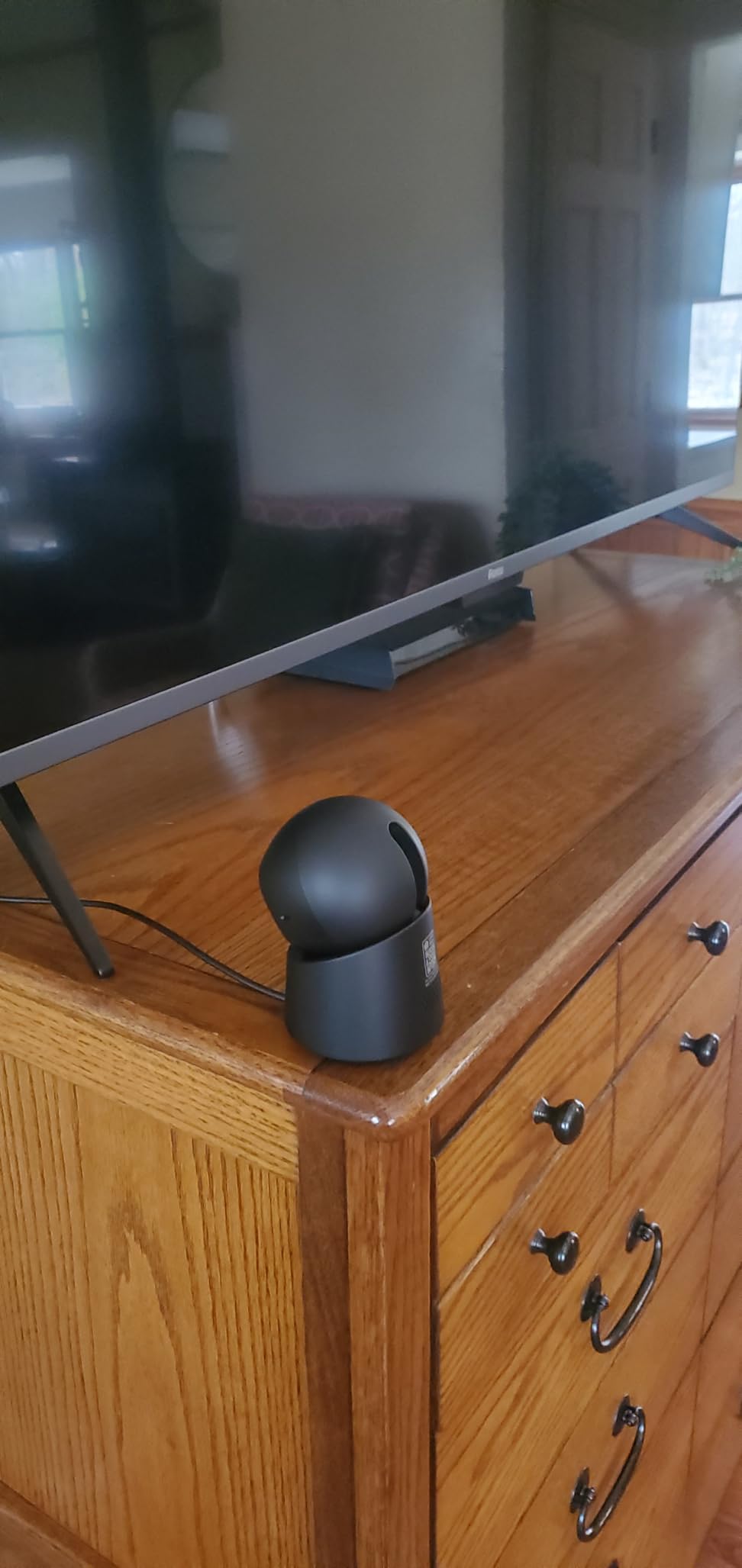
The E30 is the newest camera here and the only one recording at 4K around the clock with no required subscription, which makes it the strongest single unit if you want one camera covering a large open-plan room in detail. You can zoom on a face or an object across the space and still read it, which 1080p models cannot do at that distance.
Coverage is a 360 degree panorama with a Quick Focus Tap for jumping to a detail, and the motor rotates quietly enough that it does not dominate a recording. Pre-motion capture records the seconds before motion begins, so a parent who falls does not vanish before the clip starts.
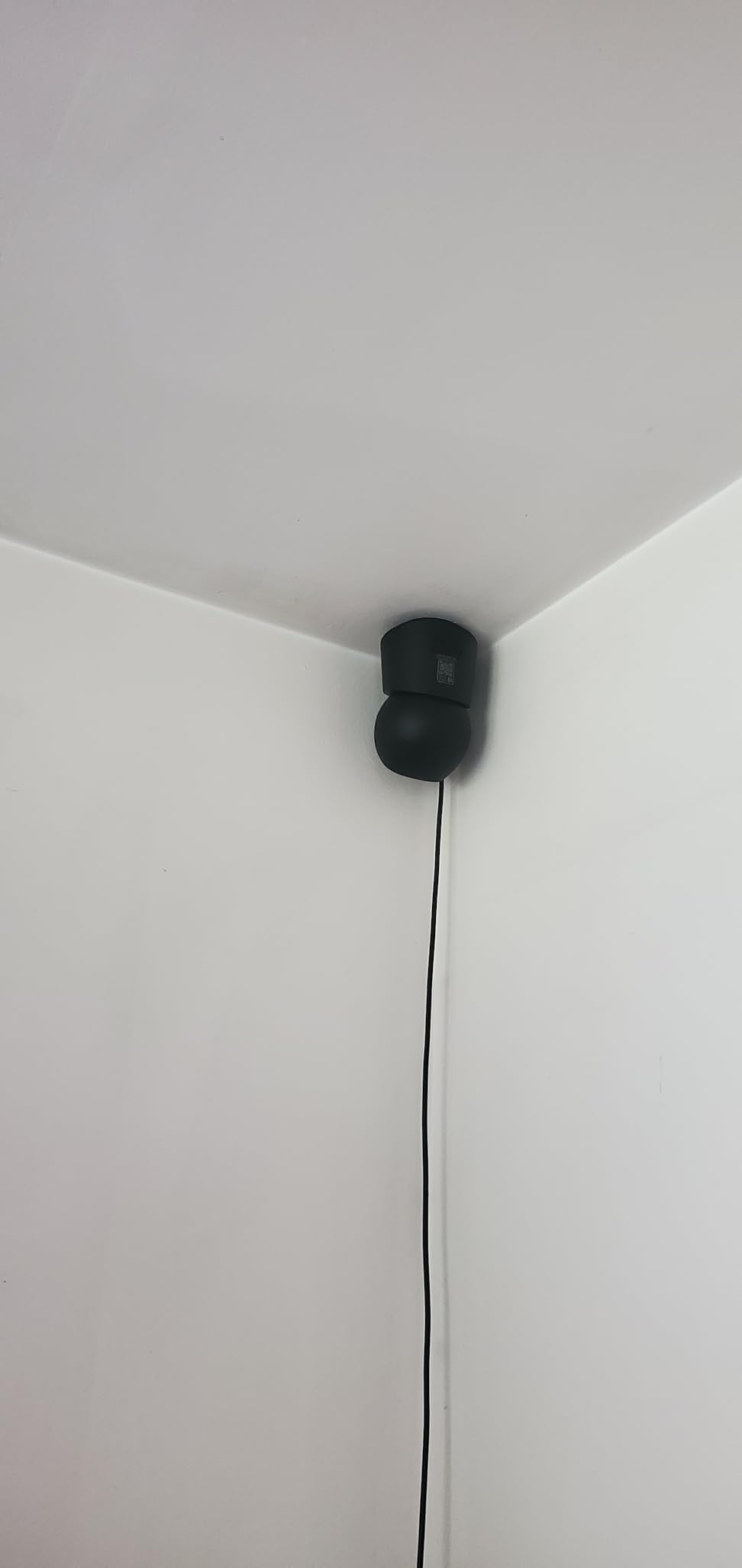
The on-device AI covers humans, pets, general audio cues, and crying, with tracking reviewers describe as smooth and accurate. A built-in spotlight with switchable colour and infrared modes gives usable colour after dark, which combined with 4K makes this the best low-light performer here.
The catch is that local 4K recording wants a high-endurance microSD card, purchased separately, and detection can be over-sensitive, producing notifications you learn to ignore. The review base is small compared with the models above, so treat reliability as still forming.
Why it earns a place
Choose the E30 when a parent spends time in a large room, when you want to zoom rather than install more cameras, or when night-time colour matters. It works with HomeKit, Alexa, and Google Assistant, though HomeKit caps the stream at 1080p.
Where it falls short
Do not buy it for a small shelf, since the camera head is bulky. If a proven long-term track record matters more than resolution, the Tapo C201 and the Ring Indoor Cam have tens of thousands of reviews behind them.
How to Choose an Indoor Camera for an Aging Parent
Two-way audio is the feature that decides everything else
Two-way talk is not a nice-to-have in this category. A camera that shows you a motionless figure is a security tool; a camera that lets you hear them say they are fine and tell them you are calling back is an elder-care tool. Prioritise speakers and microphones that work at conversational volume, and test the delay on your parent’s Wi-Fi, because a three-second lag turns a check-in into a raised voice.
If your parent will be doing the talking rather than just listening, prioritise a physical control. The Ring manual cover and the aosu touch-to-talk button are the two designs that give a person something to actually do.
Pan-tilt versus fixed view
A fixed camera covers one scene perfectly and never moves, which is right for hallways, doorways, and the kitchen. A pan-tilt camera covers more floor from one position but can blur during movement and, on some models, drifts out of alignment over weeks. For a room bigger than about twelve feet square, pan-tilt is usually worth it. For a corridor, do not pay for movement you will never use.
Patrol Mode, which you can see on the Kasa EC71, is the version of this feature designed for elder care, because a scheduled sweep gives you a fresh look at a still room without anyone opening an app.
Local storage versus a subscription
Our recommendation is to start on local microSD storage and only consider a plan once you know what you actually use. Nine of the ten cameras here can record to a card in the house with no recurring charge, and that keeps the footage inside the home rather than uploading a parent’s daily life to a vendor’s servers, which also answers the data-sharing concern that comes up repeatedly in caregiver forums.
The honest counterweight is that most subscriptions buy you the features you will miss most: history beyond a day, event search, snapshots, and AI summaries. A microSD card is a one-time cost, a plan is monthly, and the difference compounds every year. Decide which history you would genuinely scroll through during a concern, and pay for exactly that.
Night vision and colour after dark
Infrared night vision renders a room in black and white, which is fine for confirming presence but poor for reading detail. Colour night vision, which you get on the Ring Indoor Cam, the Tapo C100, and the Wyze Cam Pan v3, keeps clothing and furniture identifiable, so you can tell a person is on the sofa rather than only that the sofa moved. The eufy E30 combines colour with a built-in spotlight for the best result in a dark room.
One warning: night vision is largely ineffective when a camera looks through glass, so do not point an indoor unit at a patio door and expect the outside to be visible.
Privacy controls your parent can operate
Sort the list into two groups. App privacy mode and instant privacy toggles are things you control from your phone, which is good for temporary moments. A physical cover, like the one on the Ring Indoor Cam, is something your parent controls from the room, which is the only version that actually answers the concern that the house feels watched.
On the software side, look for activity zones so you get an alert for a person in the hallway rather than for a shadow, and for multi-user permissions so siblings each have their own login. Sharing one account between three relatives is how accounts get locked out and how privacy settings get changed by accident.
Where to put each camera
Living room and main hallway are the two rooms worth covering first, because they are where a parent spends time and moves between. A kitchen camera pointed at the stove and counter catches the everyday risks nobody thinks about, like a kettle left on. For a bedroom, place a camera on a high shelf angled at the doorway rather than at the bed, if you install one at all.
What not to aim at: bathrooms, and any space where a neighbour could be captured through a wall or window. Keep the microphone consideration in mind for open-plan layouts, since a camera in a living room can pick up a conversation in an adjoining room. Two well-placed cameras beat five badly placed ones, and fewer devices in the home is better for your parent’s sense of privacy.
Weak or No Wi-Fi Homes
Weak Wi-Fi is the most common technical complaint in caregiver forums, and it is worth solving before you buy anything. Nine of the ten cameras here are 2.4GHz only, so confirm the router broadcasts that band. If your parent’s router combines 2.4GHz and 5GHz on one name, the camera may never see it, and the fix is a dedicated 2.4GHz extender or a mesh node placed near the camera rather than near the router.
Run a speed and signal test in the exact room where the camera will sit, not in the hallway near the router. If the signal is weak there, add a mesh node first and install the camera second. If the internet connection is unreliable, favour cameras that record to a local microSD card, since they keep recording to the card even when the uplink drops, and set expectations with your family that a camera during an internet outage shows you a frozen last frame rather than live video. None of the indoor cameras in this guide work without Wi-Fi entirely, so a home with no internet at all needs a different category of device.
When a Camera Is Not Enough
Be clear with yourself and with your family about what these cameras are. They are not fall detectors, not medical alert devices, and not a response service. None of them calls anyone, none of them distinguishes a real fall from sitting down, and a camera that loses Wi-Fi at the exact moment something happens gives you nothing. Treat the ten models here as one layer of reassurance alongside a medical alert pendant or a personal emergency response system, which exist precisely because they work when the Wi-Fi does not.
The most reliable safety net for a parent living alone is still human. Cameras reduce the number of anxious calls and catch things earlier. They do not replace a weekly visit, a neighbor who checks the door, or a pendant your parent is willing to wear.
Frequently Asked Questions
Can I put a camera in my elderly parents’ house?
Yes, and you should tell them before you install it. In most US states, recording video inside a private home with everyone’s consent is straightforward, but a dozen two-party consent states including California, Florida, Illinois, Massachusetts, Oregon, and Washington require all parties to agree before a conversation is recorded. Keep cameras out of bedrooms and bathrooms, and pick a model with a physical cover for both lens and microphone so your parent can switch it off.
How do I monitor my elderly parent living alone?
Put a camera in the main living area and hallway, turn on person detection and activity zones so alerts are meaningful, and add each family member as a separate authorized user rather than sharing one login. Check the app in the morning and evening, and set up the camera during a visit together so your parent knows what it is and how to turn it off.
What are some good cameras to monitor elderly loved ones?
The Ring Indoor Cam is the strongest overall pick because of its manual privacy cover and color night vision. The Tapo C201 covers a full 360 degrees with two-way talk and no required subscription, the Blink Mini Pan-Tilt is the budget option for wide coverage, and the eufy E220 gives you 2K clarity with local storage and no monthly fee.
What is the easiest camera to use for seniors?
The Blink Mini Pan-Tilt is frequently reported as simple enough for a parent in their seventies to use, and it sets up in a few minutes in the app. The Tapo C100 is similarly straightforward with QR code setup. Note that most of these cameras are designed for you to check in, not for your parent to operate, which is usually the better arrangement.
Do indoor security cameras have fall detection?
Not in a way you should rely on. Consumer indoor cameras detect motion and sound, not falls, and a false alert is easy to raise while a real fall is easy to miss. If fall response matters, add a medical alert pendant or personal emergency response system, which is designed to work when the Wi-Fi does not.
Can multiple family members access the same indoor security camera?
Yes, and you should. Every major app here supports adding separate users with their own logins and permissions, so siblings can each watch without sharing one account. Sharing a single login is how accounts get locked out and how privacy settings get changed by accident.
What are some good security cameras for elderly people without WiFi?
None of the indoor cameras in this guide work without Wi-Fi, since they all stream to a phone app. If the internet is unreliable, choose a camera that records to a local microSD card so it keeps recording to the card when the uplink drops, and improve the connection with a 2.4GHz extender or a mesh node near the camera before buying anything.
What is the best monitoring system for seniors?
A layered approach works best: a camera for daily check-ins, a medical alert pendant for emergencies, and regular human visits. Professional senior monitoring services add a response desk that contacts a parent and then a family member, which is the right layer when a parent lives alone and no one is nearby during the day.
Final Verdict
For most families, the best indoor security camera for elderly parents is the Ring Indoor Cam, because the manual privacy cover lets your parent set the boundary themselves and the 1080p color night vision is enough to read a room after dark. If you want one unit to cover a whole living space with no monthly charge, take the Tapo C201. Add a fixed Tapo C100 in the hallway, set up the accounts together on a visit, and pair the whole thing with a medical alert pendant.
Whatever you install in 2026, agree on the rooms you will not film, give your parent a physical off switch, and explain that the camera is reassurance, not surveillance. For coverage beyond the front door, our guides to the best outdoor security cameras and the best floodlight cameras for backyards cover the rest of the property.


