

The most common complaint in doorbell forums right now is not picture quality. It is the invoice. Once a cloud plan is attached to a doorbell, the footage you care about stops belonging to you, and the bill keeps arriving after the hardware is paid off. That is the entire reason people start searching for the best video doorbells with local storage in the first place.
Local storage just means the camera writes its recordings to hardware you own: a microSD card in the doorbell, a small base station on a shelf, a hub on your network, or an NVR you already run. Nothing is uploaded to a vendor server for safekeeping, so there is no monthly fee, and a cut internet connection does not stop the recording.
We pulled eight doorbells that record locally out of thousands of owner reviews and compared them on the things that actually decide this purchase: maximum card capacity, whether the storage is expandable, whether the unit is hardwired or battery, Wi-Fi band support, and how large the share of unhappy one-star reviews is. Three of these eight record to storage that is already built in, so nothing needs to be bought separately. Five take a card up to 128GB or more. Four can be hardwired for continuous recording. Every one of them runs without a subscription.
If you are still deciding whether the subscription model is worth anything at all, our guide to video doorbells without subscription fees covers the fee-free side of the market more broadly. This roundup goes deeper on one question: which local storage doorbell should you actually install.
What Local Storage Means on a Video Doorbell
Local storage on a video doorbell means the camera saves its recordings to hardware inside your home instead of a vendor cloud server, so you keep the footage without paying a monthly subscription. In practice that storage takes one of four forms: a microSD card in the doorbell body, a fixed eMMC chip inside a bundled base station, a home hub on your network, or an external NVR or NAS.
The practical difference shows up in three places. Recording continues when your internet drops, because the camera is writing to a device on your own network. The front-door footage never sits on a third-party server, which matters to anyone who has thought about who else can pull up their porch video. And the running cost drops to zero after the hardware purchase.
There is a catch that vendors rarely put on the first line of the listing. No subscription does not always mean no cost. Some brands treat on-device AI detection, continuous recording, or local playback as premium features, and some require a hub that costs extra. Our buying guide below flags exactly where that applies for each of these eight models.
Top 3 Picks for Best Local Storage Video Doorbells in October

aosu 5MP Ultra HD Doorbell
- 5MP sensor with 166 degree view
- 8GB built-in local storage
- Wired or battery powered

Tapo D225
- 512GB microSD support
- Wired or 10000mAh battery
- Free person and package detection
All 8 Best Local Storage Video Doorbells at a Glance in 2026
Read the storage column first, because it decides everything else. A fixed 8GB base cannot be expanded. A microSD slot can take whatever endurance card you buy. A doorbell that only runs on battery cannot record continuously, whatever its card size.
| Product | Specs | Action |
|---|---|---|
| aosu 5MP Ultra HD Video Doorbell |
|
Check Latest Price |
 MUBVIEW Bell J7 2K Doorbell with Chime MUBVIEW Bell J7 2K Doorbell with Chime |
|
Check Latest Price |
 REOLINK Video Doorbell WiFi 2K REOLINK Video Doorbell WiFi 2K |
|
Check Latest Price |
 ieGeek Bell J9 2K Doorbell ieGeek Bell J9 2K Doorbell |
|
Check Latest Price |
| Tapo D225 2K+ Smart Video Doorbell |
|
Check Latest Price |
 BOTSLAB R811S 5MP Doorbell Kit BOTSLAB R811S 5MP Doorbell Kit |
|
Check Latest Price |
 eufy Video Doorbell E340 Kit eufy Video Doorbell E340 Kit |
|
Check Latest Price |
 Tapo D205 2K Wireless Video Doorbell Tapo D205 2K Wireless Video Doorbell |
|
Check Latest Price |
1. aosu 5MP Ultra HD Video Doorbell – Best Overall Local Storage Pick
aosu 5MP Ultra HD Wireless & Wired Video Doorbell Camera
5MP sensor with 166 degree view
8GB built-in local storage
Wired or battery
IP65
Pros
- Crisp 5MP day and night video owners consistently praise
- 8GB base records with no subscription
- Works on existing doorbell wiring
- Accurate human-only detection
- Wide 166 degree head-to-toe framing
Cons
- App is clunky with buried settings
- 8GB storage cannot be expanded
- Playback can be choppy
The aosu Video Doorbell Ultra V8S is our top pick because it does the hardest thing in this category well: it records to 8GB of built-in base storage out of the box, so there is no card to buy and no account tier to unlock. The base loops footage for 60 days, and the whole thing runs with no subscription attached.
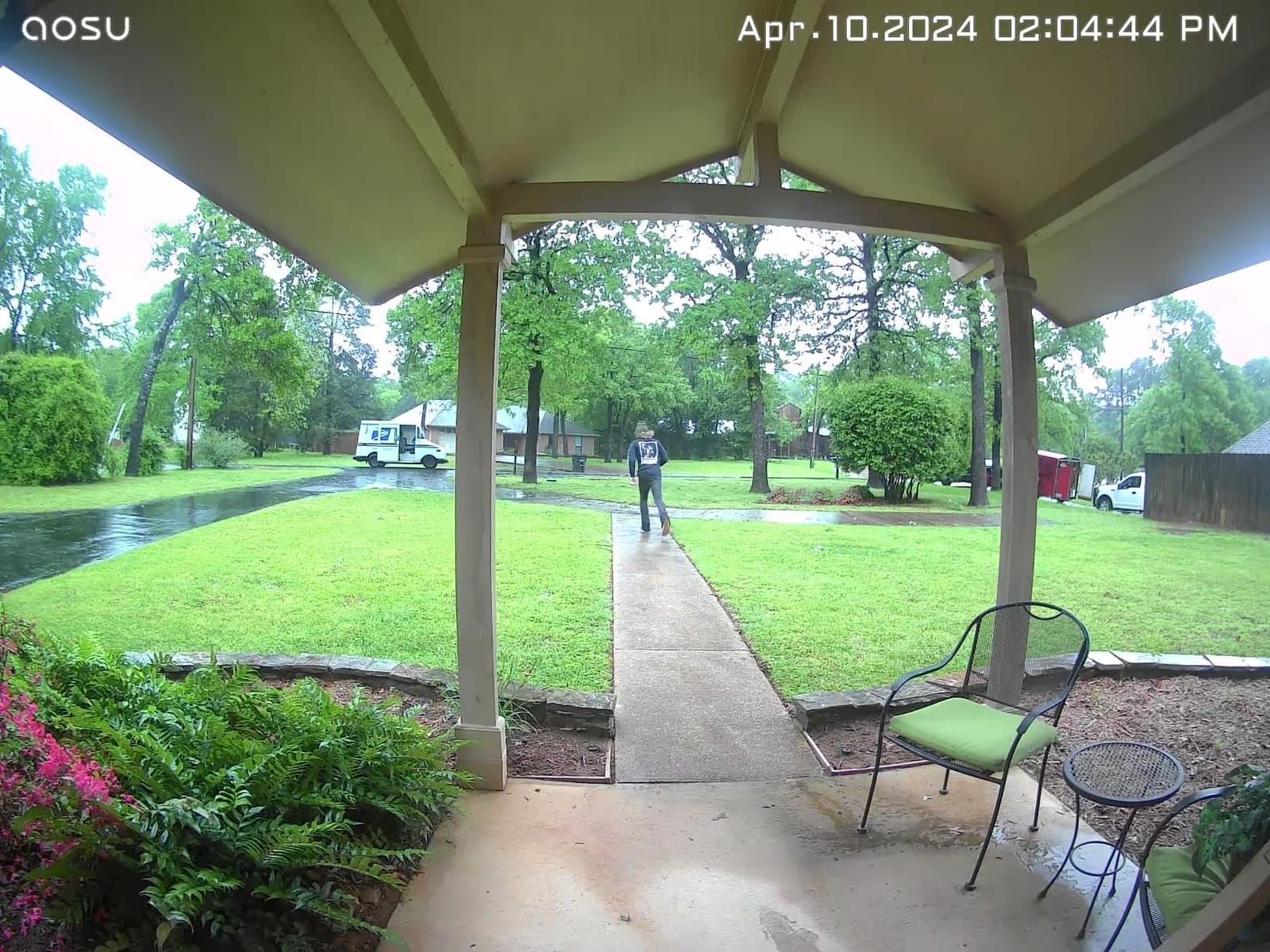
The 5MP sensor is among the highest-resolution in this group, and owners back that up. Daytime clips are sharp enough to read a house number, and the 166 degree view with 4:3 vertical framing is what actually solves the head-to-toe problem, so you see a visitor from the porch down to the mat without fisheye distortion. Night Color runs to 23 ft, which covers most porches.
Detection is the part reviewers mention most warmly. The trio of radar, PIR infrared, and AI human recognition means a car pulling into the drive or a curtain moving in the wind does not generate a notification. Multiple owners say this filtering removed a constant stream of false alerts, and that is the difference between a doorbell you leave on and one you mute.
The flexible power design is a real convenience. Owners who already have doorbell transformer wiring can hardwire it for continuous operation, and everyone else can run the 90-day battery and charge it over USB-C. IP65 weather rating and a 930 g body make it a substantial unit, and the two-way audio works for conversations at the door.
Who should buy the aosu 5MP Ultra HD Video Doorbell
Buy this one if you want the sharpest sensor and widest vertical framing here, with zero setup friction on the storage side. Nothing needs to be purchased separately, which also makes it the safest recommendation if you are not confident about card speed classes or capacity limits.
It is a strong fit for privacy-focused households, for anyone with a weak or slow internet connection where uploading video would be the bottleneck, and for people who want recording to keep working through an outage. It is also the one to pick if you plan to leave notifications on permanently.
When to skip the aosu 5MP Ultra HD Video Doorbell
Skip it if you need expandable storage. The 8GB inside the base is fixed, there is no microSD slot on the base station, and a 60-day loop is a short window if you are away for weeks at a time. Reviewers also describe the app as clunky with buried settings, so anyone who wants deep control of recording rules will find it frustrating.
The body is taller than most competitors, which means third-party weatherproof shells often will not fit. A few owners report playback stuttering and a battery that drains faster than the 90-day claim in battery-only mode. Saved recordings also capture only your side of a two-way conversation.
2. MUBVIEW Bell J7 2K Doorbell – Best Value Local Storage Pick
MUBVIEW Wireless Doorbell Camera with Chime 2K HD, WiFi Video Doorbell Camera with Voice Changer, Motion Detector, Anti-Theft Device, Night Vision, 2-Way Audio, SD/Cloud Storage, No Subscription
2K 1296p capture
128GB microSD
Starlight to 33 ft
Battery with chime
Pros
- Entry-level cost with real local microSD recording
- AI human detection filters shadows and traffic
- Good starlight night vision to 33 ft
- Compact body
- Chime included with multiple tones
Cons
- 2.4GHz WiFi only
- App update removed clip deletion
- Tamper alarm triggers when charging
The MUBVIEW Bell J7 is one of the most affordable ways to get a genuine video doorbell with SD card storage and no subscription, and at 4501 reviews it is the second most proven option in this group. The card slot takes up to 128GB, so retention is a card-size question rather than a hardware limit.
Starlight night vision reaching 33 ft is the longest night range specified among these eight, and the 2K capture at 1296p produces a clear daytime picture for the money. The 145 degree field of view is narrower than the 166 and 180 degree units here, so on a very wide porch you will see a little less of the approach.
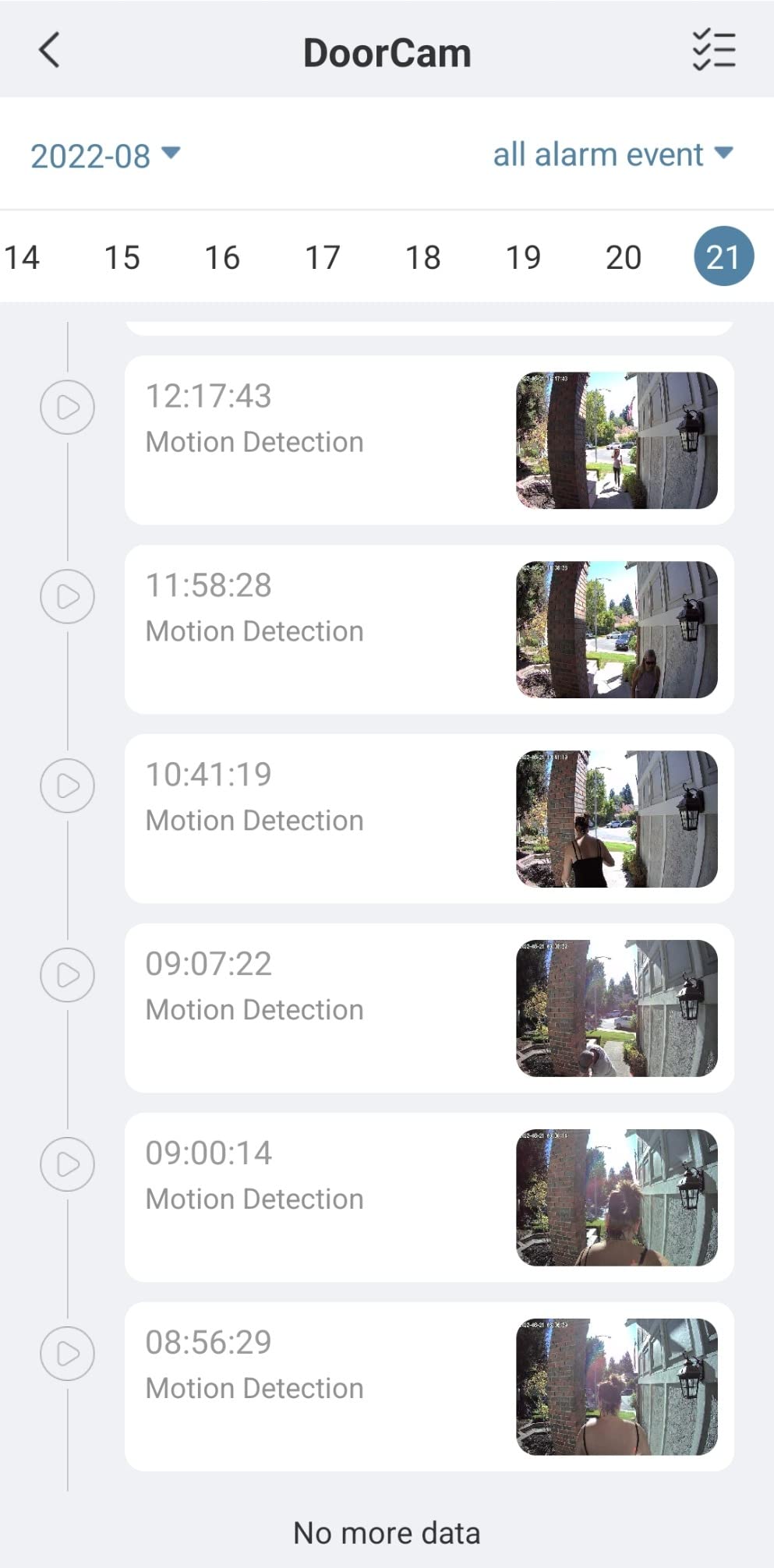
What impressed reviewers most is the human detection filter. Owners say it reliably ignores shadows, passing cars, and even a waving flag, which is a genuinely hard problem for cheap PIR sensors. The bundled indoor chime has multiple ring tones and adjustable volume, and there is a pre-recorded 10 second message you can send instead of talking.
One owner reported the unit surviving a Category 5 hurricane, which says something about the IP65 body. The anti-theft alarm that triggers when the doorbell is pulled off its mount is a real deterrent for package thieves, though it is also the source of the most common complaint.
Who should buy the MUBVIEW Bell J7
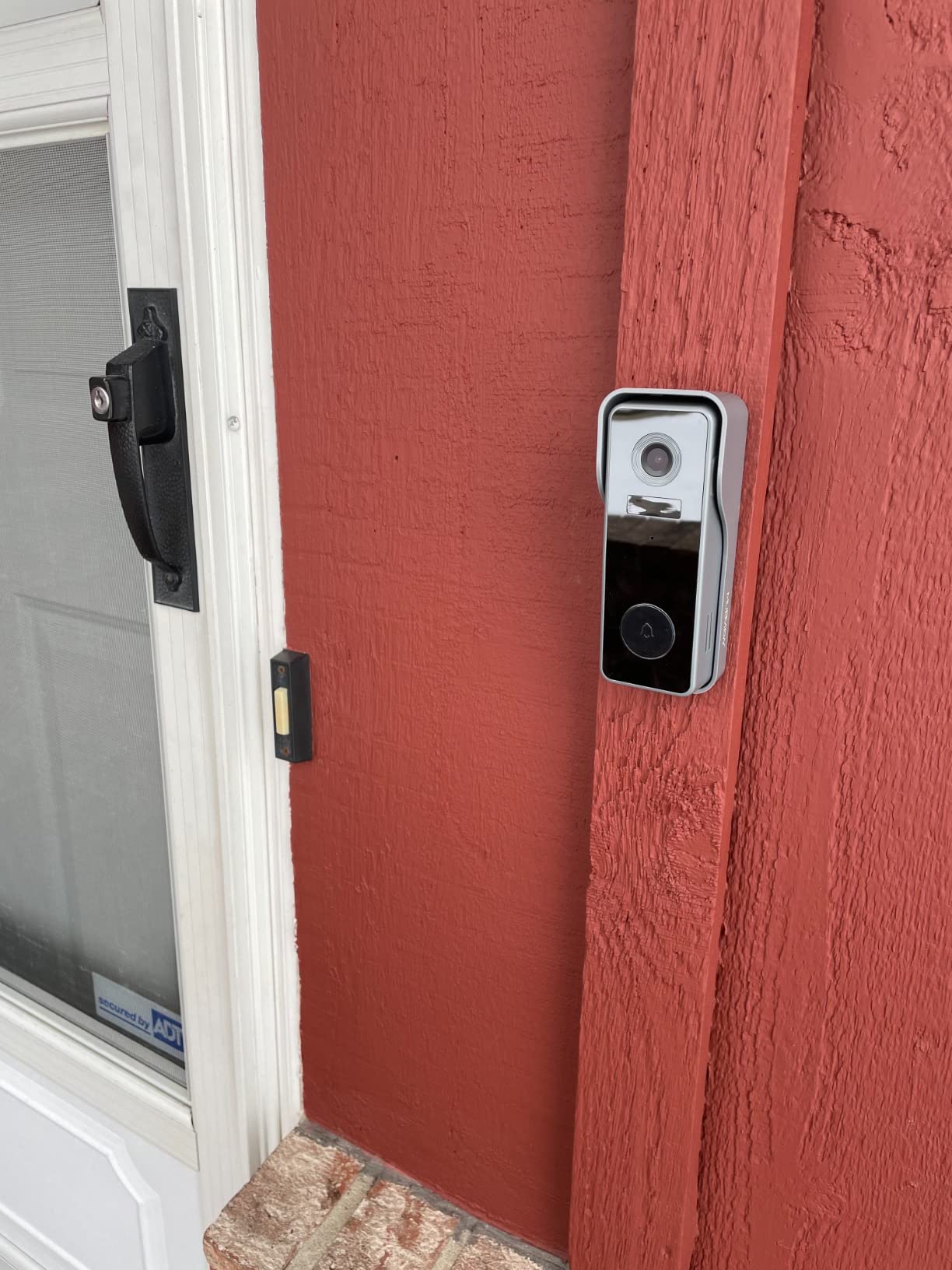
This is the pick for a rental, a student flat, a garden office, or a side entrance where you want person alerts and local recording without a meaningful hardware budget. The compact 1.8 x 1.2 x 5.12 inch body also suits a narrow door frame better than the larger doorbells in this roundup.
It suits anyone on a slow or metered connection, since nothing is uploaded for the core recording job. If you like having two rings in a house with a wired chime in another room, the bundled receiver solves that at no extra cost.
When to skip the MUBVIEW Bell J7
Skip it if you run a dual-band network and the door is far from the router. This is 2.4GHz only, and that is also why several owners flag connection dropouts. It cannot be hardwired, so there is no continuous recording option at all, only motion-triggered clips.
The one limitation to plan around is software. Reviewers report an app update that removed the ability to delete stored files, along with weak support response, and some users believe clips are being retained in the cloud despite choosing local storage. Two-way talk also drops audio when the app hangs up. If clip management matters to you, check the current app version before committing.
3. REOLINK Video Doorbell WiFi 2K – Best for Self-Hosting and Dual-Band Wi-Fi
REOLINK Video Doorbell WiFi 2K Wired Camera, 4:3 Wide View Outdoor Camera
2K HDR with 180 degree view
256GB microSD
Dual-band 2.4 and 5GHz
Hardwired 12-24VAC
Pros
- Local microSD with no subscription
- Dual-band 2.4GHz and 5GHz support
- 2K HDR holds up in low light
- 180 degree 4:3 view with mounting wedge
- Chime V2 included
- Two-year warranty
Cons
- Hardwired only with no battery option
- Works best inside the Reolink ecosystem
- 12 percent of ratings are one star
The REOLINK Video Doorbell WiFi is the pick if your home network is crowded and your front door is a Wi-Fi dead zone. It is one of only two picks here that list both 2.4GHz and 5GHz support, and that removes the most common install failure in the whole category.
Storage is a 256GB microSD card with no subscription requirement, and the camera will also feed into a REOLINK NVR if you already own one. That flexibility is why self-hosters keep recommending REOLINK. On r/reolinkcam and r/smarthome threads, REOLINK is the brand that comes up most often when people ask which doorbell records to a card they own, and the consensus there is about openness to third-party systems rather than image quality.
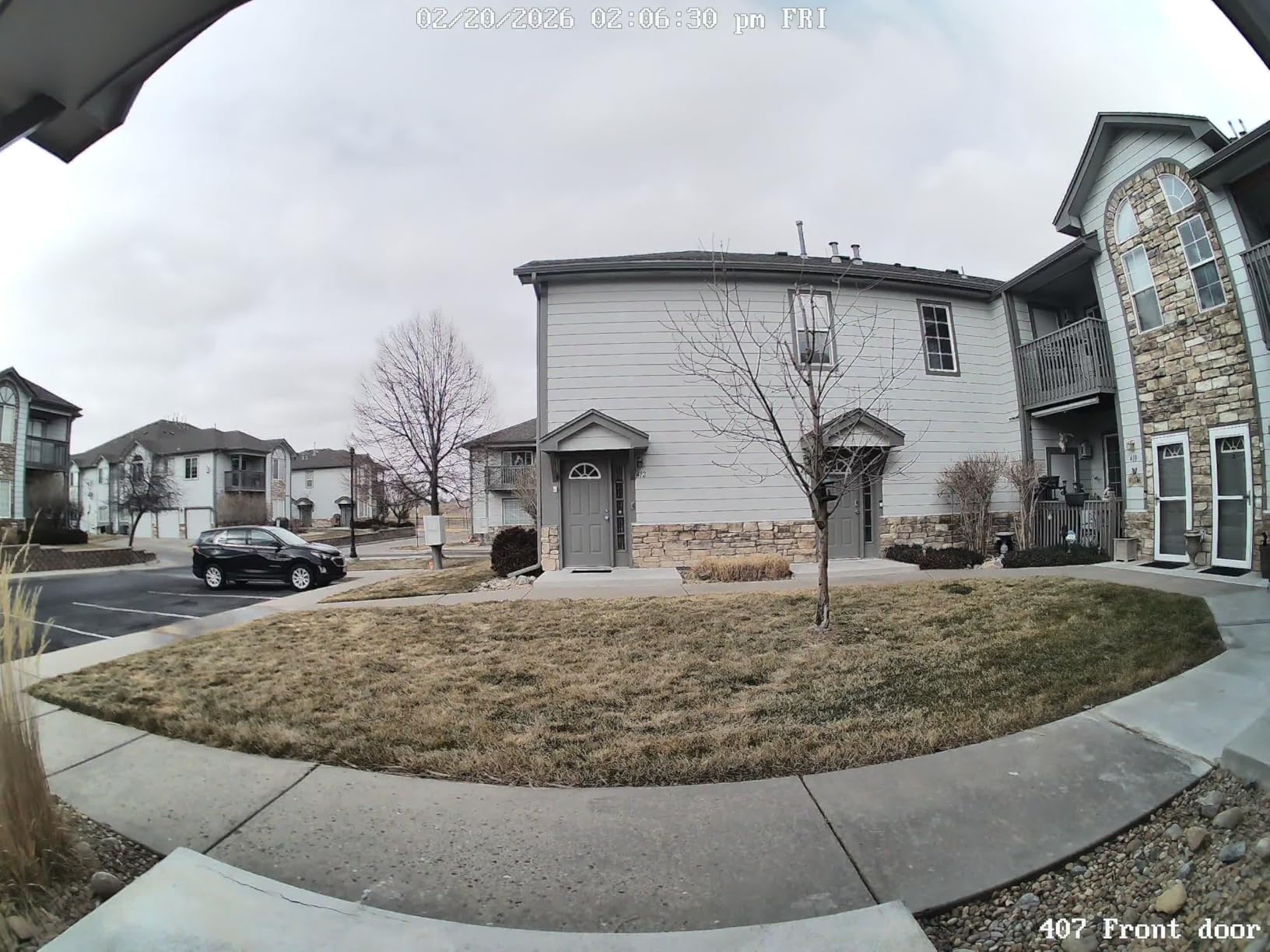
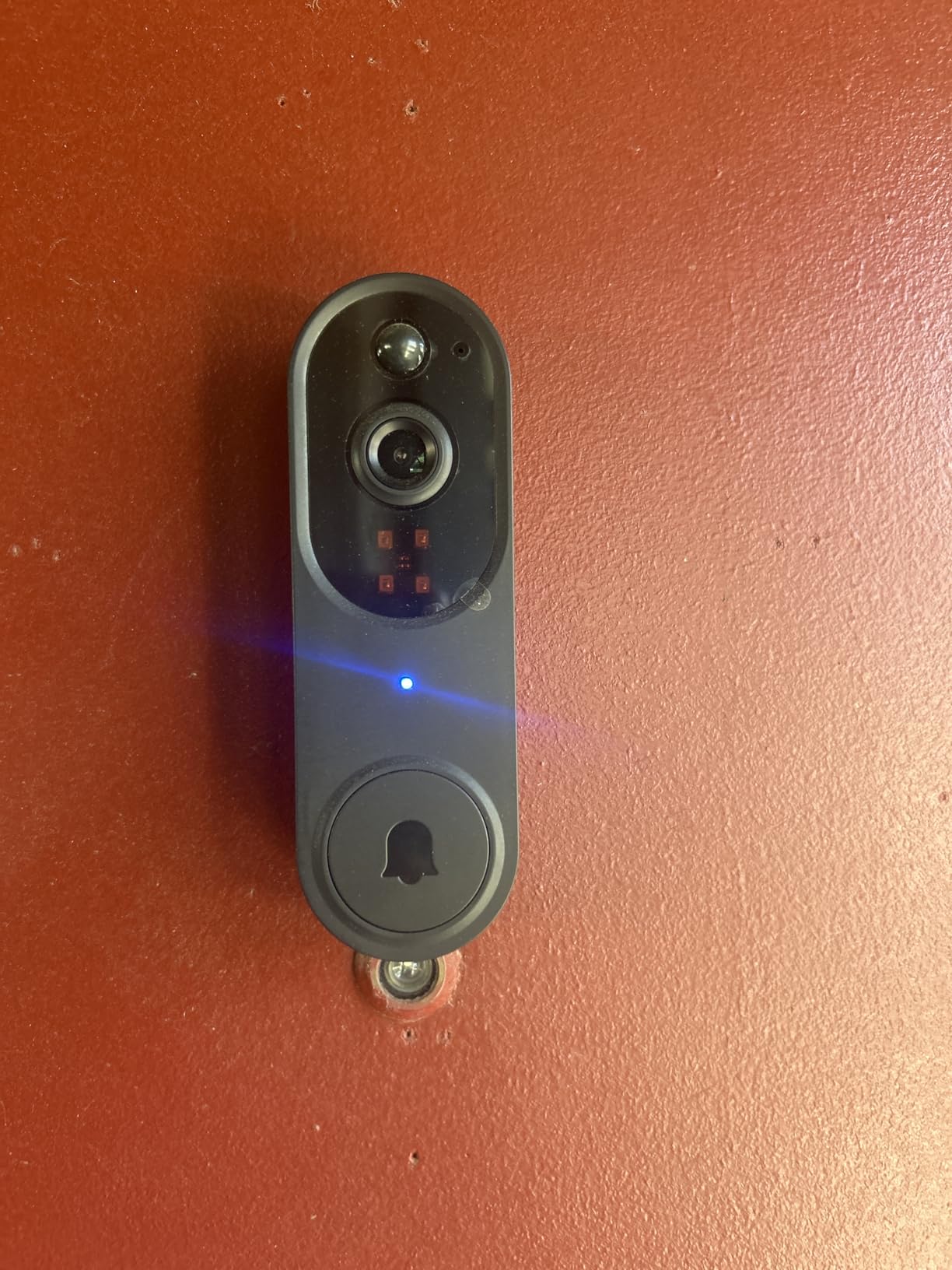
Image quality is solid. 2K Super HD with HDR, 3D noise reduction, and distortion correction produces usable footage in low light, and the 180 degree field of view in a 4:3 ratio gives you a genuine head-to-toe frame rather than a cropped landscape one. The included 15 degree mounting wedge helps you angle the view toward the approach path.
Hardwired power at 12-24VAC or DC 24V means continuous operation with no battery to degrade. The bundled Chime V2 plugs into any outlet and has 10 tunes with volume control, and two-way talk supports preset voice messages and auto-replies.
Who should buy the REOLINK Video Doorbell WiFi
Buy this if you have a 2.4GHz and 5GHz network, a door far from the router, or any plan to move footage onto an NVR, NAS, or Home Assistant setup later. It is also the natural choice for households that already run other REOLINK cameras and want one app.
Owners running constant overwrite cycles on these cards report good endurance. One user on r/reolinkcam has run 24/7 recording to the same cards at a relative’s house for about three years without failure, which is the strongest long-term evidence we found for doorbell-grade card durability.
When to skip the REOLINK Video Doorbell WiFi
Skip it if you have no existing doorbell wiring and do not want to run one. This variant is hardwired only, and retrofitting a transformer on an older home is the single most common install blocker people report. Do not assume an old chime transformer will drive it; this doorbell wants 12-24VAC at 50/60Hz or 24V DC.
The 12 percent one-star share is tied for the highest in this roundup, and the reviews behind it concentrate on install and ecosystem friction rather than the camera. Feature coverage is best inside the REOLINK system, and the free notification plan is capped at 25 image notifications per day. Buying it as a standalone outside that ecosystem means accepting some limits.
4. ieGeek Bell J9 2K Doorbell – Best for Shared Household Access
ieGeek Doorbell Camera Wireless No Subscription, 2K HD Ultra-Wide View, PIR Motion Detection 2-Way Talk, Wireless Video Doorbell with Chime, Support Local & Cloud Storage, Only 2.4GHz WiFi, Grey
2K 1296p capture
128GB microSD
5200mAh battery
2.4GHz only
Pros
- Very affordable price with local microSD storage and no monthly fee
- Clear day and night video for the class
- Quick adhesive or screw install
- Type-C charging with improved release
- Bundled chime
Cons
- Battery degrades to weekly charging after a year
- 2.4GHz only with no wired option
- Delayed notifications and occasional wrong clip
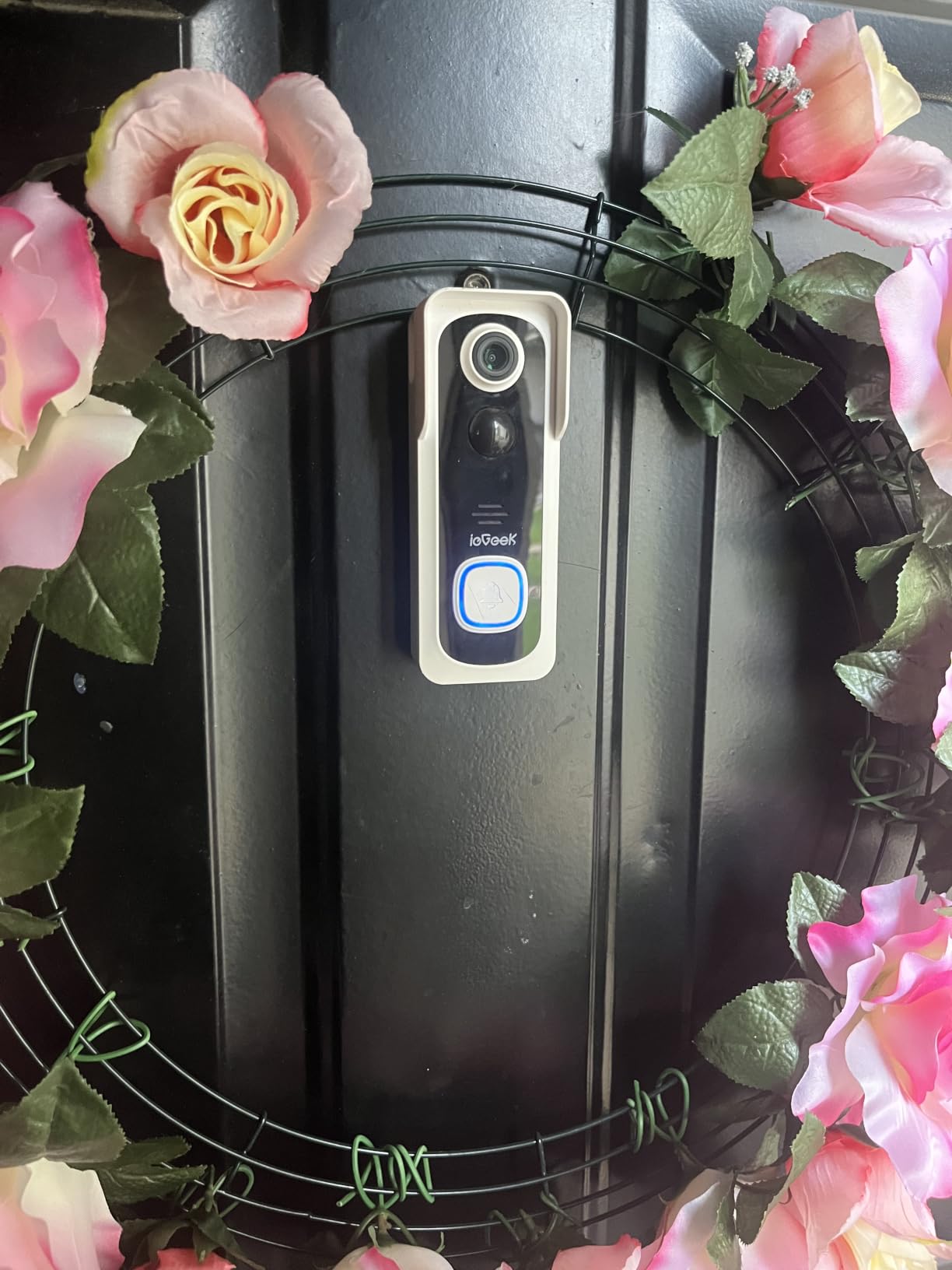
The ieGeek Bell J9 is the one to look at if several people need access to the same doorbell. Multiple account sharing is done by scanning a QR code in the ieGeek Cam app, so a partner, a parent, a neighbour, or a family member can each get their own login and their own alerts without passing a shared password around.
Storage is a microSD slot up to 128GB with free basic cloud as an optional backup layer, and no subscription is required for local recording. The 166 degree ultra-wide view is tied with the aosu for the second-widest in this group, and the starlight sensor with IR night vision reaches 32 ft.
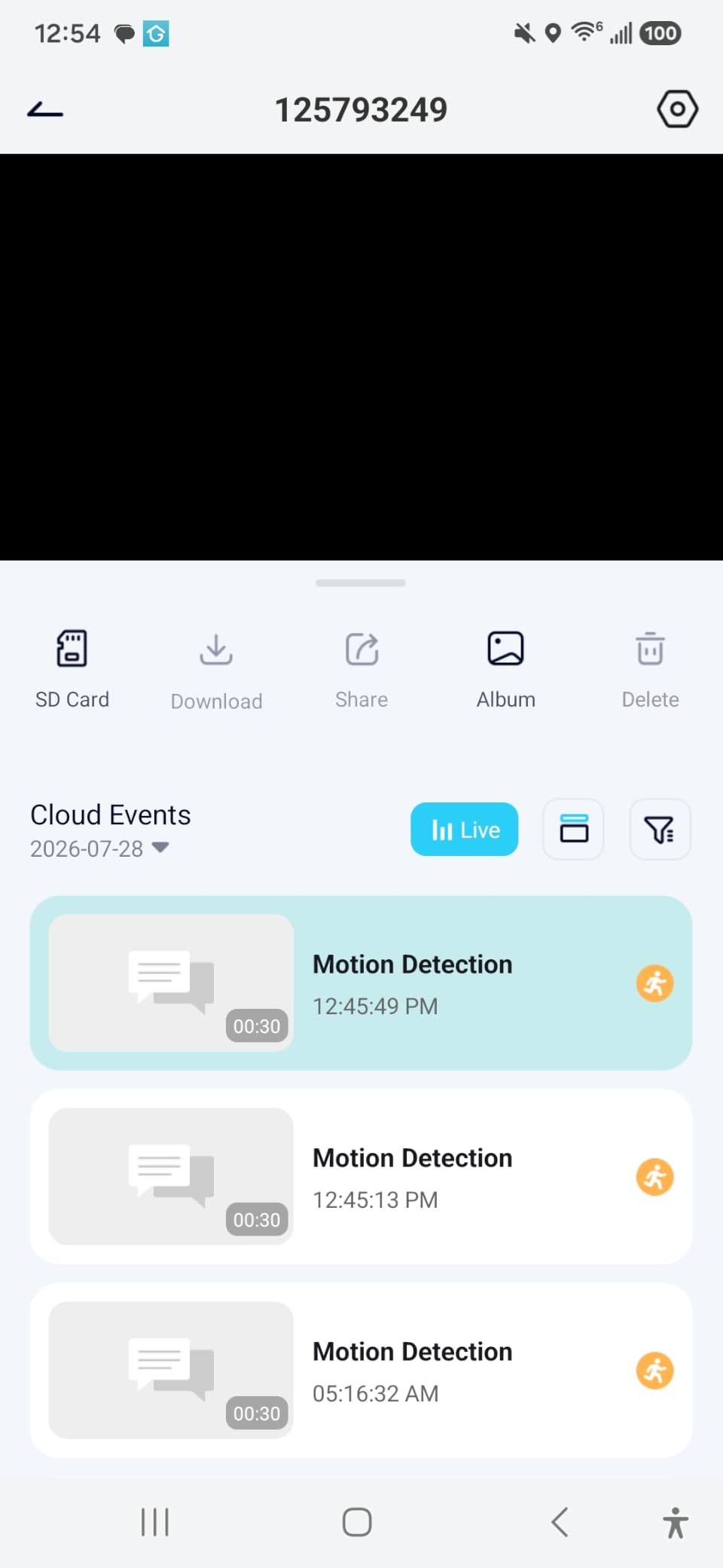
Setup is the easy part. Owners mount it with the included adhesive or screws, pair it in the app, and are running in minutes. The 5200mAh battery is quoted at up to 40 days on 20 triggers a day, charging over Type-C, and the improved battery-release mechanism is a genuine upgrade over the earlier version of this doorbell, since you no longer have to bring the whole unit inside.
The bundled indoor chime runs about 60 days on AAA batteries, and the anti-theft bracket physically covers the microSD slot so a thief cannot pull the card. Two-way audio includes a voice changer and up to three pre-recorded replies, which is a small touch that gets used more than you would expect.
Who should buy the ieGeek Bell J9
Buy this for a household where more than one person needs to see the door, for a landlord covering several doors cheaply, or for anyone who wants no-subscription recording at the lowest tier of cost. It is a good fit for a covered porch where IP-level weather resistance is not the deciding factor.
It also suits people who want local storage without thinking about card sizes. A 128GB card at motion-triggered recording on a 2K sensor holds a useful buffer, and the wide view means fewer blind spots to worry about.
When to skip the ieGeek Bell J9
Skip it for a busy front door in a cold climate. Battery endurance is the dominant negative theme in reviews: owners report a decline from roughly monthly charging to about weekly after a year, and cold weather cutting runtime to two or three weeks against a claimed one to two months. That is the trade you accept for a non-removable built-in battery.
It is 2.4GHz only with no wired option, so it cannot do continuous recording. Reviewers also report delayed notifications, the app occasionally opening the wrong clip first, and motion detection that both misses some events at high sensitivity and trips on insects and birds. No wedge mount is included, so angled installation is on you.
5. Tapo D225 2K+ Smart Video Doorbell – Best for Hardwiring and 24/7 Recording
Tapo 2K+ Wired or Battery Powered Smart Video Doorbell with Chime, D225
2K+ QHD with 180 degree view
512GB microSD support
Wired or 10000mAh battery
Color night spotlight
Pros
- Local microSD up to 512GB with free AI detection
- Hardwiring unlocks 24/7 continuous recording
- 180 degree head-to-toe view
- Long quoted battery life
- Can join an NVR when hardwired
Cons
- 2.4GHz only
- Battery cannot be removed for charging
- One owner's firmware update broke Home Assistant integration
The Tapo D225 is the pick for anyone who has or will run a wire to the door. Hardwire it and it records 24/7 continuously to a microSD card up to 512GB. Leave it on the 10000mAh battery and it records on motion. Same camera, same app, same card slot.
That 512GB ceiling is the joint highest in the group, and it pairs with free person, package, and vehicle detection with per-category notification toggles. In other words, the AI labels that other brands put behind a paid tier are free here, on-device, alongside local recording. That combination is rare at this level of hardware.
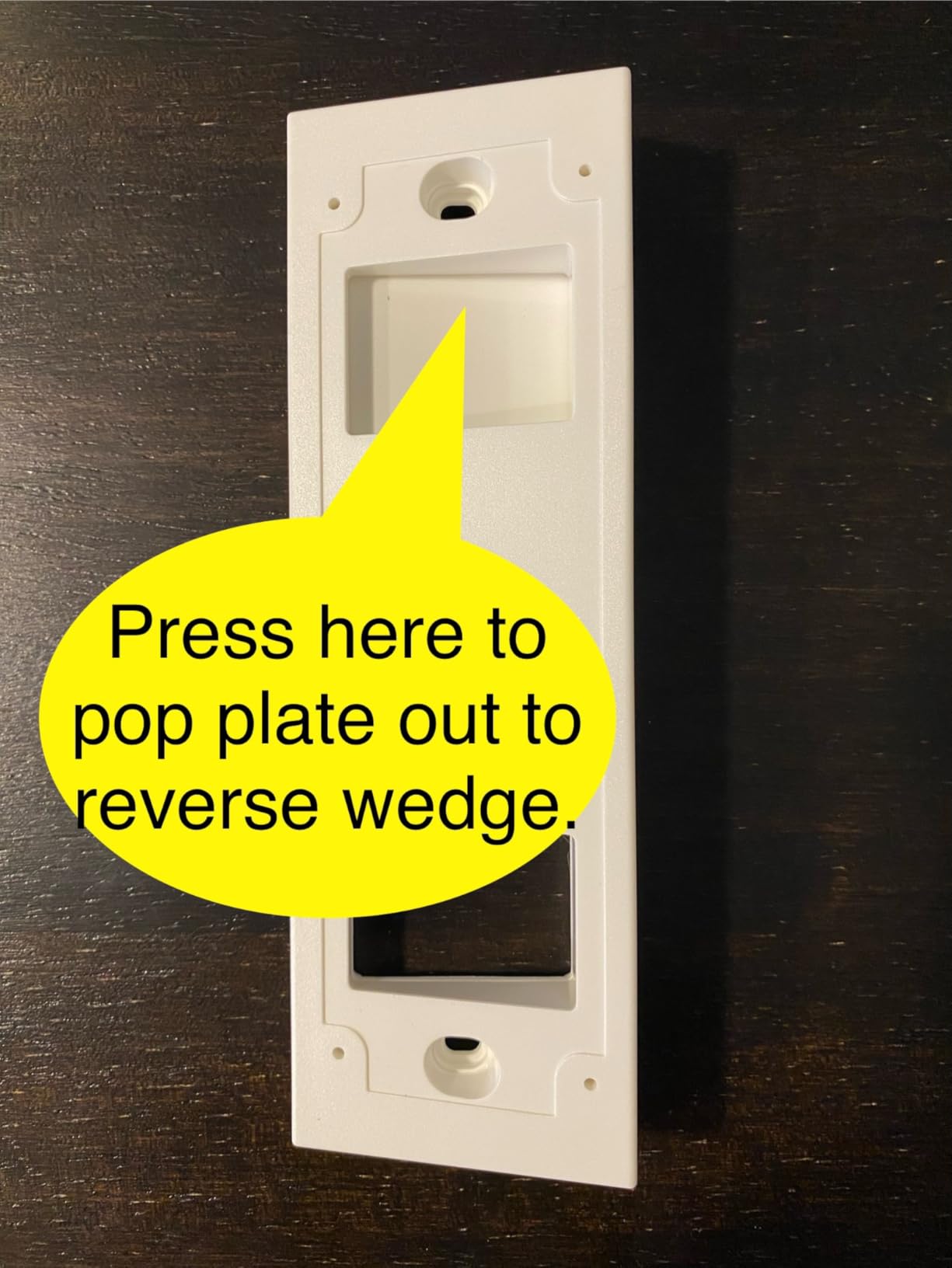
The 180 degree head-to-toe field of view covers the full porch and catches people before they reach the camera, and the Ring Call feature answers the door as an incoming call so you do not have to unlock and open the app to see who is there. Color night vision with a motion-activated spotlight reaches 25 ft, and when hardwired it can be added to an existing NVR as an IP camera.
On r/smarthome, the D225 is repeatedly named as the cheap no-subscription local-microSD option, and it shares the highest rating in this group. Battery claims reach up to eight months, and one owner reported 44 percent remaining after seven months of use. AES 128-bit and TLS 1.2 encryption cover the local and app layers.
Who should buy the Tapo D225
Buy this if you want 180 degree coverage, the largest card capacity, and free AI detection in one doorbell. It is our pick for anyone who will hardwire, and it remains a good battery doorbell for people who will not.
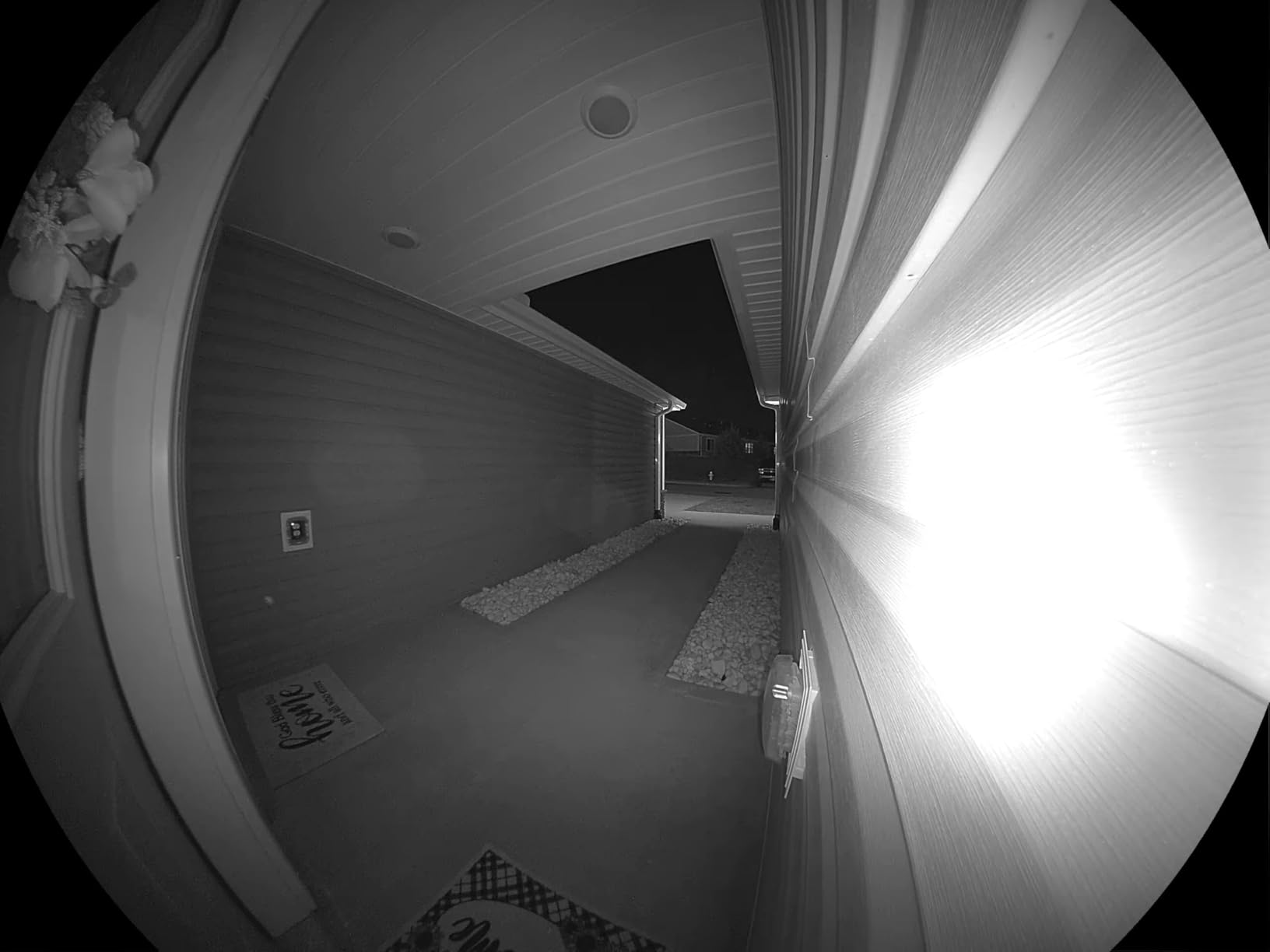
It suits package-heavy households specifically, because package detection is free and local rather than a subscription feature. The modular indoor chime plus 15 degree horizontal and 5 degree vertical mounting wedges let you dial in the angle on a difficult porch, which most competing bundles do not offer.
When to skip the Tapo D225
Skip it on a dual-band-only network. It is 2.4GHz only, and on a large property with walls between the router and the door that is the first thing to test. The manual also advises keeping the unit out of direct sun, which is not always practical on a west-facing door.
Two software issues are worth knowing. Ring Call keeps ringing on a second linked phone if only one is answered, and there is no way to silence it without picking up. One owner also reports a mandatory firmware update that stripped local API entities and broke their Home Assistant integration, which is a warning if you plan to self-host. The battery is not removable for charging, and zoom is unavailable on cloud recordings.
6. BOTSLAB R811S 5MP Doorbell Kit – Best All-in-One Kit with a Card Included
BOTSLAB 5MP Doorbell Camera Wireless, No Subscription, 32GB SD Card
5MP with 180 degree view
32GB SD card included
Base station bundled
6400mAh battery
Pros
- 32GB card included so local recording works immediately
- 5MP sensor and 180 degree coverage
- 6400mAh battery quoted up to 180 days
- Triple PIR radar and AI detection
- AI package recognition
Cons
- 2.4GHz WiFi only
- 32GB fills quickly at 5MP
- Base station takes shelf space
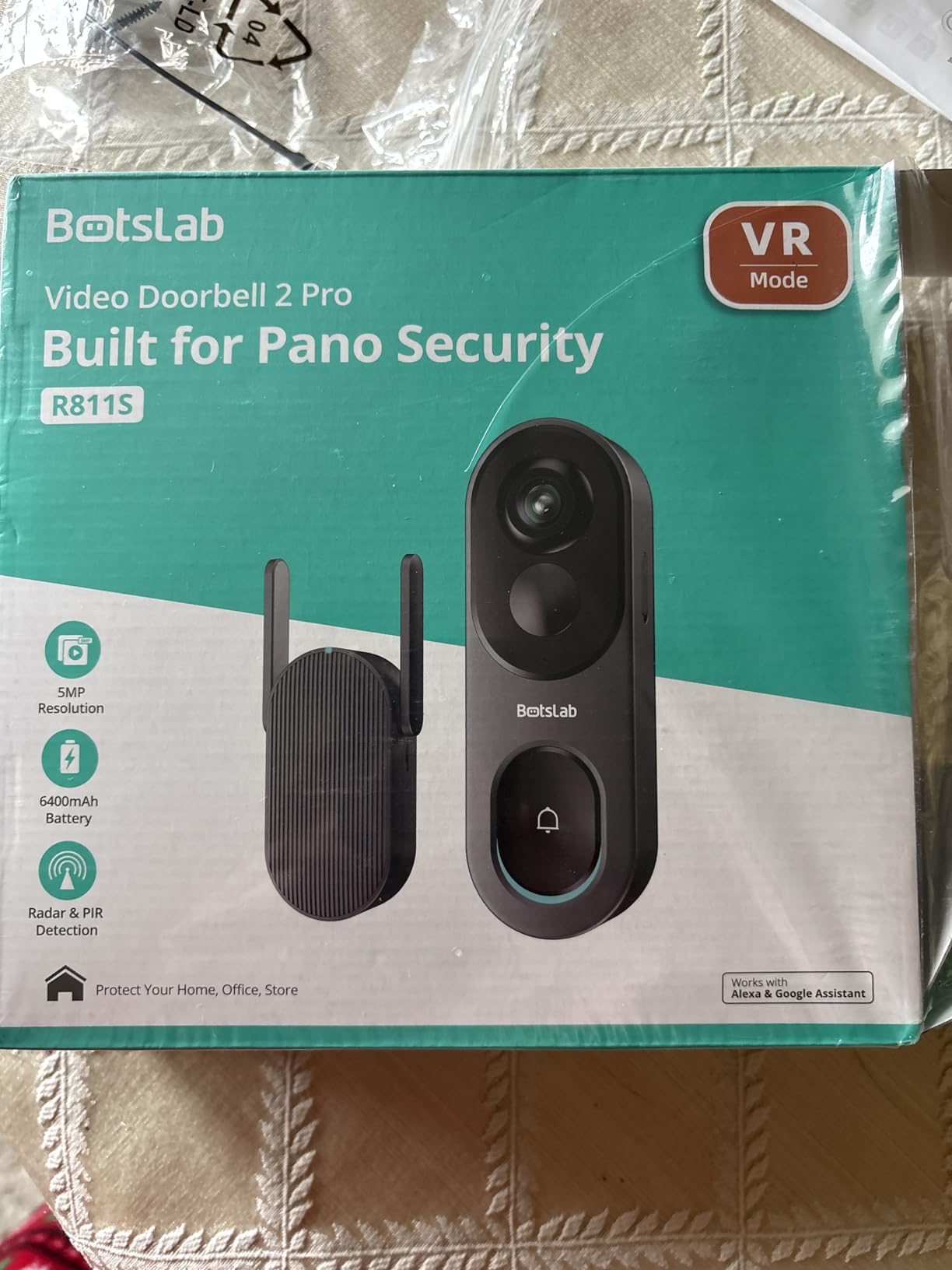
The BOTSLAB R811S is the rare doorbell where local storage works the moment you plug it in. A 32GB microSD card and a base station both come in the box, so there is no card hunt and no hub purchase. For anyone who wants a privacy-friendly doorbell without researching card speed classes, that convenience is the selling point.
The 5MP sensor at 180 degrees is a strong specification for a battery doorbell, and the head-to-toe framing means you get both the visitor’s face and the ground in front of the door. IP66 weather resistance is among the higher ratings in this group, which is worth noting on an exposed wall.
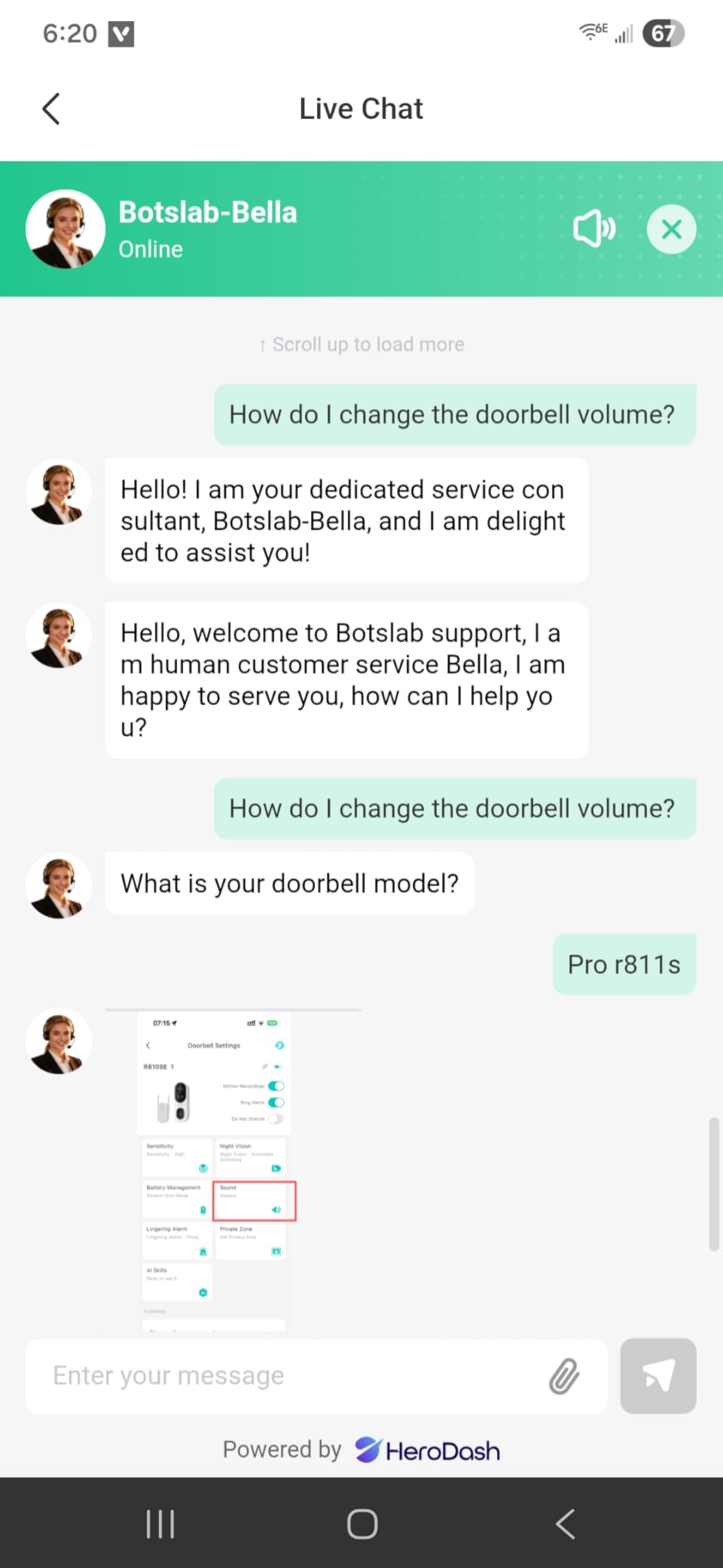
Detection uses the same triple stack that works well on the aosu: PIR, radar, and AI together, which is why owners report fewer false alerts from animals and moving shadows. AI package recognition adds a doorstep-specific label at this resolution, and the VR mode and smart search features in the listing help you find a clip without scrubbing through everything.
The 6400mAh battery is quoted at up to 180 days, tied for the longest claim among these eight. That figure assumes light usage, so treat it as a ceiling rather than an expectation, but it does mean you are not planning a weekly charge.
Who should buy the BOTSLAB R811S
Buy this if you want a doorbell that records locally out of the box with nothing else to buy, and you value a high-resolution sensor and wide view over app refinement. It is a good fit for a new install where the base station has a shelf to sit on.
It also suits anyone with an exposed front door who wants the stronger weather rating here. Two-way audio with a voice-changing feature is included, and the bundled mounting bracket and quick start guide cover the install.
When to skip the BOTSLAB R811S
Skip it if you want long retention. The included 32GB card is small relative to 5MP continuous capture, so it will fill and overwrite quickly, and upgrading means a separate card purchase anyway. The base station also occupies real shelf space indoors.
It is 2.4GHz only. And the honest drawback is review volume: at 1467 reviews this has one of the shorter owner track records in the set, so you are buying on specification and bundled value rather than on years of long-term owner reports.
7. eufy Video Doorbell E340 Kit – Best for Seeing Faces and Packages Together
eufy Security Video Doorbell E340 Kit with Battery, 2K FHD, Built-in 8GB
Dual front and downward cameras
8GB built-in eMMC
Two 6500mAh batteries
Color night to 16 ft
Pros
- Only dual-camera design here covering face and floor
- 8GB eMMC records with no card or subscription
- Two quick-release batteries allow year-round swaps
- Accurate AI detection of people
- animals
- packages and faces
- Works with an existing mechanical chime
Cons
- No continuous loop recording
- Battery endurance varies widely
- Fixed 8GB storage with no card slot
The eufy Video Doorbell E340 is the only doorbell here with two cameras. One looks forward at the visitor’s face, and a second points down at the floor, so a package left on the mat is framed properly instead of appearing as a sliver at the bottom of the frame. For package theft evidence, that is a genuine difference rather than a spec-sheet line.
Storage is 8GB of built-in eMMC with no subscription and no card to insert. That is fixed capacity, so plan on short retention and expect the loop to overwrite. The advantage is that there is no configuration step between unboxing and recording, which is the same argument that makes the aosu appealing.
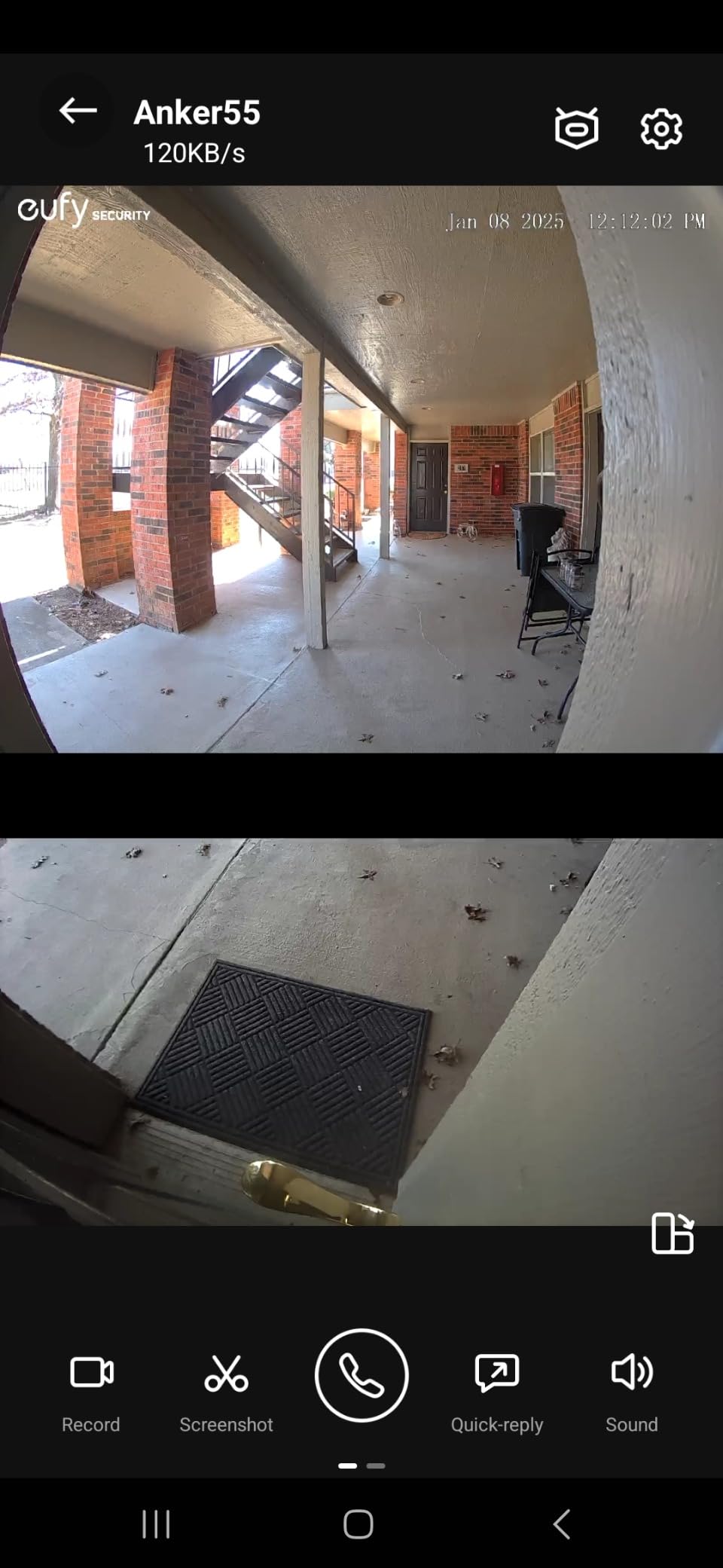
The kit includes a second 6500mAh quick-release battery, so you can keep one charging while the other runs. That converts a periodic doorbell-swallowing-the-wall chore into a swap. The dual-light night system produces color video out to 16 ft, and AI detection covers people, animals, packages, and facial recognition.
Existing mechanical chime compatibility is the detail that shows up most in forum recommendations for this doorbell. People upgrading from an older wired setup often list keeping their current chime as a hard requirement, and on the Homey Community Forum the recurring praise for eufy is exactly this: cameras that record to the HomeBase locally with no recurring fees.

Who should buy the eufy Video Doorbell E340
Buy this if package theft is the reason you want a doorbell, or if you have an existing mechanical chime you refuse to give up. The second downward camera is the deciding feature, and the two included batteries make it a good fit for a busy household that does not want charging downtime.
It also suits anyone already invested in the eufy ecosystem, since it works with HomeBase 2, HomeBase 3, Minibase Chime, Alexa, and Google Assistant. Encrypted local storage is used, with cloud as an optional upgrade rather than a requirement.
When to skip the eufy Video Doorbell E340
Skip it if you need a long recording window. There is no continuous loop recording, so if the camera misses a moment you cannot review the surrounding period to reconstruct it. The 8GB of eMMC is not expandable, and combined with no loop recording that is the biggest functional gap in this roundup.
Battery endurance is inconsistent. One owner reports shutdown at 30 days on default settings, and the number of detected events drives drain far more than most buyers expect. 12 percent of ratings are one star, and a smaller cluster of reviews reports units going offline and losing Wi-Fi sync after a few weeks. Some older eufy chimes are not supported, and the small release pin for detaching the doorbell from its mount is reportedly missing from some kits.
8. Tapo D205 2K Wireless Video Doorbell – Best for the Simplest Setup
Tapo 2K Wireless Smart Video Doorbell, D205, 160° Ultra-Wide View
2K at 160 degree view
512GB microSD support
5200mAh battery
IP54
Pros
- Entry-level cost with local SD recording and no subscription
- SD loop recording works reliably with overwrite
- AI person detection ignores wind
- rain
- and street traffic
- Stealth mode suits apartment dwellers
- Shares the Tapo app with other TP-Link devices
Cons
- Chime not included
- 2.4GHz WiFi only
- Battery drain scales with detection area
The Tapo D205 is the simplest subscription-free doorbell in this roundup, and at 724 reviews it also has the shortest owner track record in the set. It does fewer things than the D225, and everything it does, it does without a subscription or a paid feature tier.
Local storage is a microSD slot up to 512GB at no cost, and owners confirm that loop recording to the card works reliably, overwriting cleanly once full. The Tapo app is shared with Kasa and other TP-Link devices, so if your household already runs TP-Link smart home gear there is one app to learn.
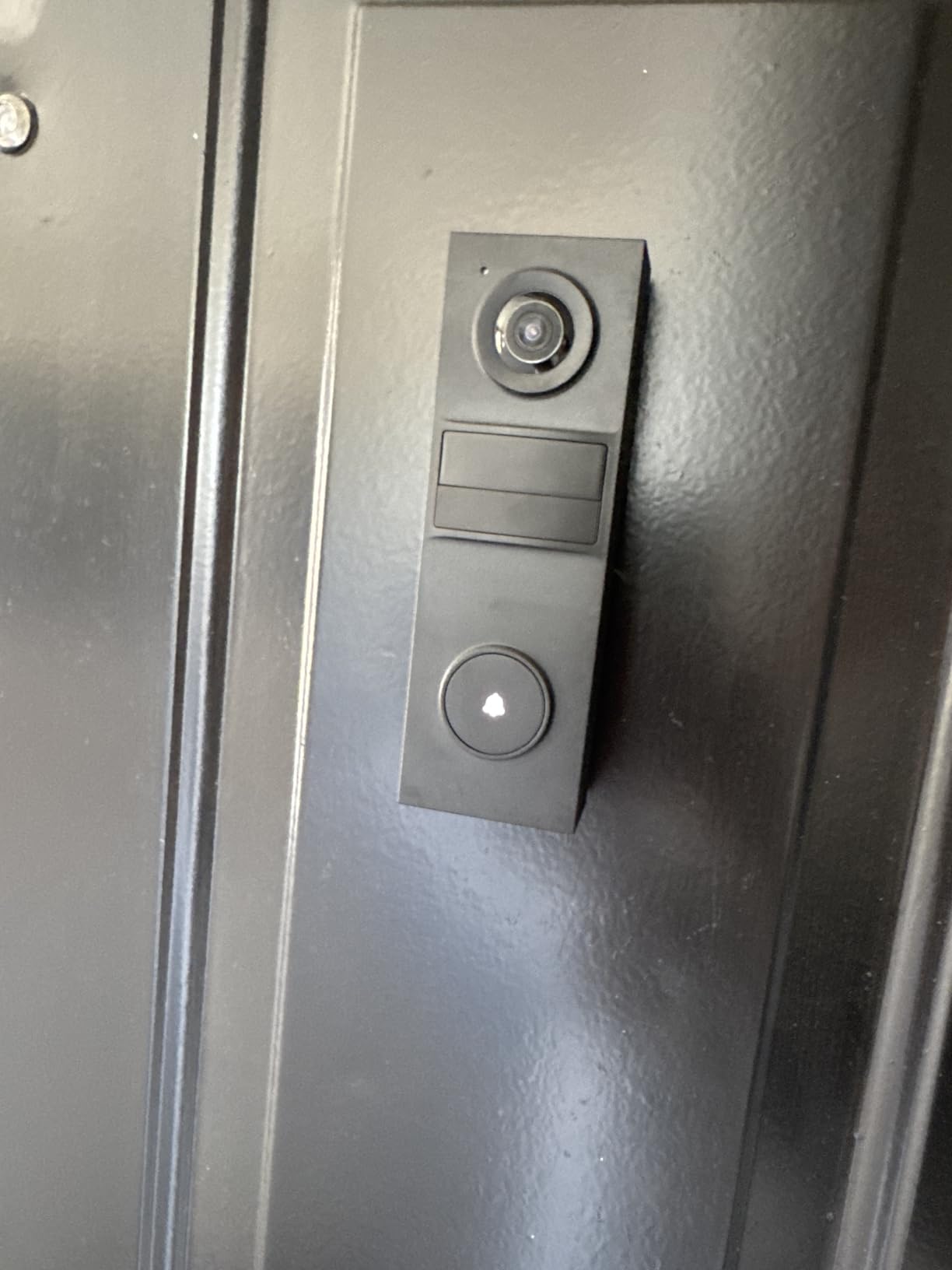
AI person detection is free and, according to owners, smart enough to ignore wind, rain, and people passing on the street rather than approaching. Custom activity zones narrow the alert area further, and stealth mode turns recording down entirely for apartment dwellers who do not want a camera pointed at a shared corridor.
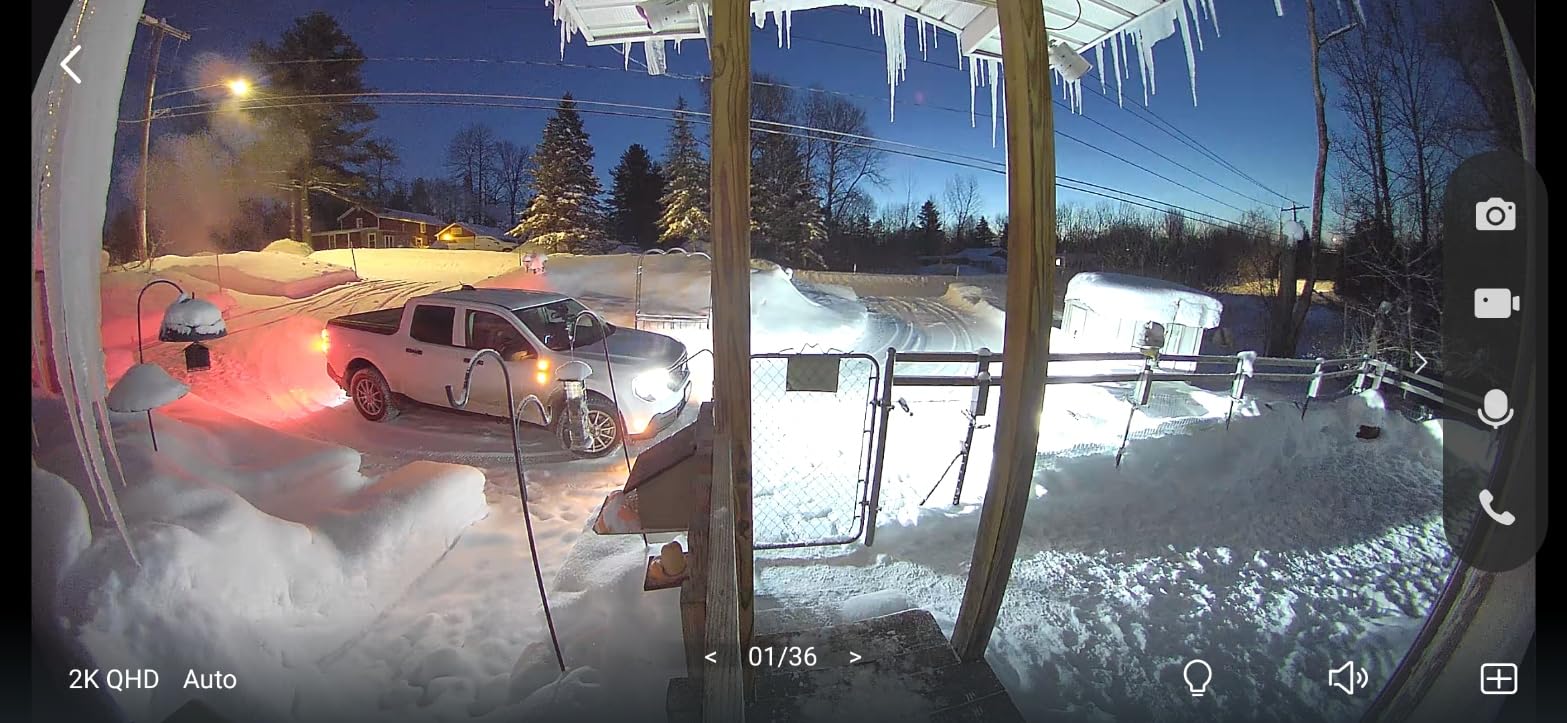
At 2K with a 160 degree view the picture is clear, two-way talk is loud, and Ring Call answers the door as an incoming call. Quick Response messages let you send a prerecorded reply. IR night vision handles darkness, and the whole unit weighs 7.52 ounces.
Who should buy the Tapo D205
Buy this if you want local recording with the least fuss, a card slot that will take a large capacity card later, and an app that does not fight you. It is a strong pick for apartment and rental doors where you need person alerts but not a wide porch sweep.
It suits anyone already in the Tapo ecosystem, and anyone who values a large 512GB ceiling on a simpler model. Custom zones and stealth mode make it a good neighbour-friendly option on a shared wall.
When to skip the Tapo D205
Skip it if you need an audible indoor chime. This variant does not include one, so you either rely on your phone ringing or add a receiver separately. That is the most common reason people step up to the D225.
Battery drain scales directly with how much of the scene you monitor. One owner saw 63 percent remaining in 10 days with a wide detection area, so narrow the zone rather than assuming the 180-day claim. It is 2.4GHz only, the IP54 rating is the weakest here for an exposed door, and one owner reports the camera entering privacy mode on its own and stopping person alerts. The included screws were described as nearly useless and the bracket mounting as fiddly.
How Local Storage Doorbell Recording Actually Works
There are four ways a doorbell can record locally, and the difference between them decides how much footage you keep and how much you have to set up.
MicroSD card in the doorbell. This is the most common and the cheapest to start. You buy an endurance-rated card, format it in the app, and insert it. Capacity is the only limit, and the limits in this roundup run from 128GB on the MUBVIEW and ieGeek up to 512GB on both Tapo models. The trade is that a card in an outdoor doorbell is a wear item, and constant overwrite cycles eventually retire it.
Built-in eMMC in a base station. The aosu and the eufy E340 use fixed 8GB of on-board storage paired with a small indoor base. Recording starts immediately with nothing to buy and nothing to configure. The limitation is that the capacity never changes, so your retention window is fixed at whatever the vendor set, which is around 60 days on the aosu.
A home hub on your network. A hub takes the feed off the doorbell and writes it to a larger drive inside, usually an SSD. The eufy HomeBase is the most common example, and the appeal is capacity plus local playback in a desktop app. It is also the most common hidden cost in this category, because vendors advertise the doorbell as subscription-free and then sell the hub as the storage path.
An NVR or NAS. If you already run one, some doorbells can be added as an IP camera and record there. The Tapo D225 does this when hardwired, and REOLINK is built for the same path. The reason our guide to RAID storage for video is worth reading if you are planning a multi-camera system, since a single drive is a single point of failure for every camera feeding it.
How to Choose the Right microSD Card for a Doorbell
Pick an endurance-rated card, not a standard one. A doorbell rewrites the same blocks every time the buffer fills, and a card designed for phone storage wears out under that pattern. Look for the endurance marking and a minimum of Class 10, or U3 for the higher-capacity cards. This is the single most important line of the buying decision and the one most people skip. If the same feed is also going out to a live production somewhere in the house, our guide to video switchers covers how to route that output alongside the recorder.
Size the card to your recording mode. Motion-triggered recording on a 2K sensor uses far less space per day than continuous 24/7 capture on the same sensor. As a rough guide for planning rather than a measured figure, 64GB is comfortable for a busy front door on motion-only, 128GB is a sensible middle ground, and 256GB or 512GB is the right call if you plan to hardwire for continuous recording or want a longer window when you are away.
Check the maximum before you buy, not after. The ceiling varies widely: 128GB on the MUBVIEW and ieGeek, 256GB on the REOLINK, and 512GB on both Tapo models. A card larger than the stated maximum is either ignored or refused outright, so buying the biggest card on the shelf is not always the best move.
Format the card in the doorbell app on first setup rather than on a computer. Doorbell firmware is particular about file systems, and a card formatted elsewhere is a common cause of a slot that reads as empty. Plan on replacing the card every couple of years on a unit running continuous recording.
What to Check Before You Buy a Local Storage Doorbell
Confirm the storage is expandable. This is the biggest regret in this category. If the 8GB is built into a base station and there is no card slot, your retention is capped forever. Only two of these eight, the aosu and the eufy E340, work that way.
Check the Wi-Fi band before anything else. Six of the eight products here are 2.4GHz only. The REOLINK Video Doorbell WiFi and the aosu are the two exceptions with dual-band support listed, and on a large home or a detached garage that is the difference between a doorbell that works and one that drops clips. Stand at the mounting point with your phone before ordering and confirm the signal.
Decide between hardwired and battery before anything else too. A battery doorbell can only record on motion, so it will miss anything that happens without triggering the sensor. Hardwiring unlocks continuous recording, and on the Tapo D225 it also unlocks NVR use. If you have existing doorbell transformer wiring, hardwiring is almost always the better long-term choice. If you do not, check your transformer output first, since these doorbells want 12-24VAC or 24V DC and pre-1990 homes often cannot drive them without a replacement.
Look for the feature hostage. No subscription does not mean every feature is free. Check specifically whether person detection, package detection, and continuous recording work without a plan. Both Tapo models in this roundup include free on-device detection, and the aosu’s radar, PIR, and AI stack runs entirely on the device. Elsewhere, the notification allowance can be capped even with no subscription attached, so read the limits before you rely on an alert.
Test offline behaviour if that is why you are here. The claim to verify is that recording continues with the internet disconnected. A practical test is to unplug the internet line at the router, leave the doorbell powered and connected to local Wi-Fi, press the button, and confirm a clip appears on the card. Any unit that relies on a cloud handshake for its event pipeline will fail this test.
Check chime compatibility before you commit. Keeping an existing mechanical chime is a hard requirement for many people upgrading, and the eufy E340 handles it directly. A bundled plug-in chime, as on the MUBVIEW, ieGeek, and the Reolink Chime V2, works regardless but does not use your existing wiring. The Tapo D205 is the one here that comes with no chime at all.
Accept that cloud still wins in one scenario. If your real worry is a burglary while you are abroad, local storage cannot help you, because the footage stays in the house that was emptied. Off-site backup is exactly what a cloud plan buys. For everyone else, the recurring cost buys very little that a card and a decent app do not already handle, which is why we lean local across this roundup.
Frequently Asked Questions
Why are people getting rid of Ring doorbells?
The most common reason is cost and control. Ring doorbells record to the cloud, and without a plan you lose most of your history, while a plan adds a recurring monthly charge for the life of the doorbell. Reviewers on forums also point to narrower local options, since Ring hardware has limited ways to keep footage on hardware you own. The switch usually comes down to wanting recordings that survive an internet outage and front-door video that stays off a third-party server.
What is the best camera doorbell without a monthly fee?
The Tapo D225 is the strongest all-round answer, with local microSD storage up to 512GB, free person, package and vehicle detection, and a choice of hardwired or battery power that lets it record 24/7 when wired. The aosu 5MP is the pick if you want the best camera and the least setup, since 8GB of built-in storage works with nothing extra to buy. The Tapo D205 is the simplest option at the lowest cost.
What kind of SD card do I need for a doorbell camera?
Choose an endurance-rated microSD card rated at least Class 10, and U3 if you are using a larger capacity. Endurance matters because a doorbell rewrites the same blocks continuously, which wears out standard cards far faster. Match the size to the recording mode: motion-triggered recording on a 2K sensor runs comfortably on 64GB or 128GB, while continuous 24/7 recording wants 256GB or more. Check the doorbell’s stated maximum first, since limits range from 128GB to 512GB across these models.
Does a local storage doorbell work without internet?
Usually yes, with one condition. If the doorbell writes to a microSD card or a base station inside the home, it keeps recording when the internet drops, because nothing needs to reach a vendor server. What you lose is the push notification, the live view in the app, and any remote access, since those all need a route out. Live view may also fail if the app itself is on a phone with no connection, so test the offline behaviour before you rely on it for evidence.
Is Reolink better than Ring doorbell?
For local recording, yes. The REOLINK Video Doorbell WiFi takes a 256GB microSD card with no subscription, supports both 2.4GHz and 5GHz Wi-Fi, and can feed into an NVR or NAS you already own. Ring hardware routes recording through a cloud service, and keeping history there requires a paid plan. The tradeoff is installation: the REOLINK model is hardwired only, so it needs existing doorbell wiring and a transformer that puts out 12-24VAC or 24V DC.
Which video doorbell is better, Eufy or Ring?
For local storage, the eufy Video Doorbell E340 wins. It records to 8GB of built-in eMMC with no subscription, and it is the only doorbell here with two cameras, so you see both a visitor’s face and a package on the floor. It also works with an existing mechanical chime, which matters on an upgrade. Ring remains easier to set up and integrates with a broader alarm ecosystem, but its history lives in the cloud unless you pay.
Which Local Storage Video Doorbell Should You Buy
Pick by setup, not by brand. If you want the sharpest sensor and zero storage configuration, take the aosu 5MP. If you can run a wire to the door and want continuous recording with free AI detection, the Tapo D225 is the answer. If you want to feed an NVR or you have a crowded dual-band network, go with the REOLINK Video Doorbell WiFi.
If package coverage and keeping your existing chime matter most, the eufy E340 is the one. For the entry-level option, take the Tapo D205, or the MUBVIEW Bell J7 if you want the indoor chime in the box. The ieGeek Bell J9 is the shared-access pick, and the BOTSLAB R811S is the kit that records the moment it is plugged in.
Whichever you choose, buy an endurance-rated card sized to your recording mode, confirm the Wi-Fi band at the mounting point before it ships, and run the offline test in the first week. Those three steps prevent nearly every complaint we saw in the reviews. As always in 2026, check the current listing details before buying, since firmware and card support change.


